
Slashgear recently posted an article titled “10 Reasons You Should Not Get a Chromebook” which is causing some buzz on the ChromeOS subreddit. Also, no shade to the author since they’re sharing their legitimate experiences. I’m just commenting on my experience.
Personally, I’m of the opinion that tech is ultimately a tool and not a personal religious affiliation. You should use the best tool for the job, and for everyone that’s going to look differently. For example, many people use Windows for gaming, Macs for media production, Linux for development/reviving old hardware/basic home use (which has grown with more gaming support), and Chromebooks for slimmed down dedicated purposes like work/school/secondary computing.
While the article has an informational overview for those who may be more unfamiliar with the differences between a Chromebook and a regular PC, they make a lot points that are worth discussing, and also points I differ on.
- “It doesn’t support games.” This is not technically true for all Chromebooks, as many support Android and even Linux apps. There are also Chromebook Pluses that support Cloud Gaming. That said, a Chromebook would not be my first choice for playing games just like I wouldn’t use a motor scooter to go on a motocross range. It’s usually better to game with a device that’s completely dedicated to gaming like a console or a beefed up PC with dedicated graphics on Windows and/or Linux.
- “Not all apps work.” It’s essential to do your research about which apps you need or use on a daily basis before switching to any platform. Most of my job can be done through web apps (telehealth, Zoom, and Google Docs), so I wasn’t sacrificing major functionality (except for some missing features on the Zoom web app like annotations during screen sharing). Many web apps function as good as their desktop equivalents and others may be limited.
- “Chrome profiles are clunky.” I found that it’s actually much easier to use multiple Google profiles on my Chromebook. All three of my Gmail accounts are automatically logged in and I can easily switch between inboxes and Google Docs for each one without having to log out and log back in out of the device.
- “Onboard storage is lacking.” Chromebooks are inherently designed to work with the web, which includes promoting a cloud ecosystem versus saving stuff on a local drive. For the more privacy inclined (after all, the cloud is just someone else’s computer), higher end Chromebooks include more storage.
- “Some file types aren’t compatible.” I haven’t had a problem with this since I mostly deal with documents (Google Docs and Microsoft Word), spreadsheets, PDFs, and mostly standard media and image formats. But this is also something that relates to #2 above: industries and apps with less utilized file formats would probably be better served by another platform.
- “Windows laptops might be cheaper.” It’s true that there are off-brand Windows laptops that cost as much as a cheap Chromebook, but your quality to price ratio will vary: you may end up making sacrifices on shorter battery life and worse quality components when looking at the sub $400 Windows laptop market. Cheap Windows laptops will often be much slower than a Chromebook with similar specs because of the large amount of resources Windows takes up.
- “Tech specs might be disappointing.” Chromebooks are usually designed to do more with less, so 4 GB of RAM will go much further on a Chromebook than a Windows PC as stated above. However, this is a valid point because like I said in a previous post, Chromebooks do need to set a higher bar for entry level specs while keeping their affordable appeal (in 2024, 8 GB of RAM should be a minimum, not a plus feature). I also can’t justify getting a PC-priced high-end Chromebook like the Pixelbook (the $999 device discontinued by Google). Better entry level specs (or upgradeability) would do a lot to increase a device’s longevity (which with recent ChromeOS devices is a generous 10 years of updates).
- “It’s Android overload.” I would not consider a Chromebook a glorified Android device like the article suggests, since many Android apps aren’t optimized to run on Chromebooks (even on touch screen ones). I would situate them somewhere between a tablet and a traditional laptop in terms of the functionality: something you use when you don’t need something as powerful as a traditional laptop but also don’t want to use the claustrophobic one-app-at-a-time interface of a tablet.
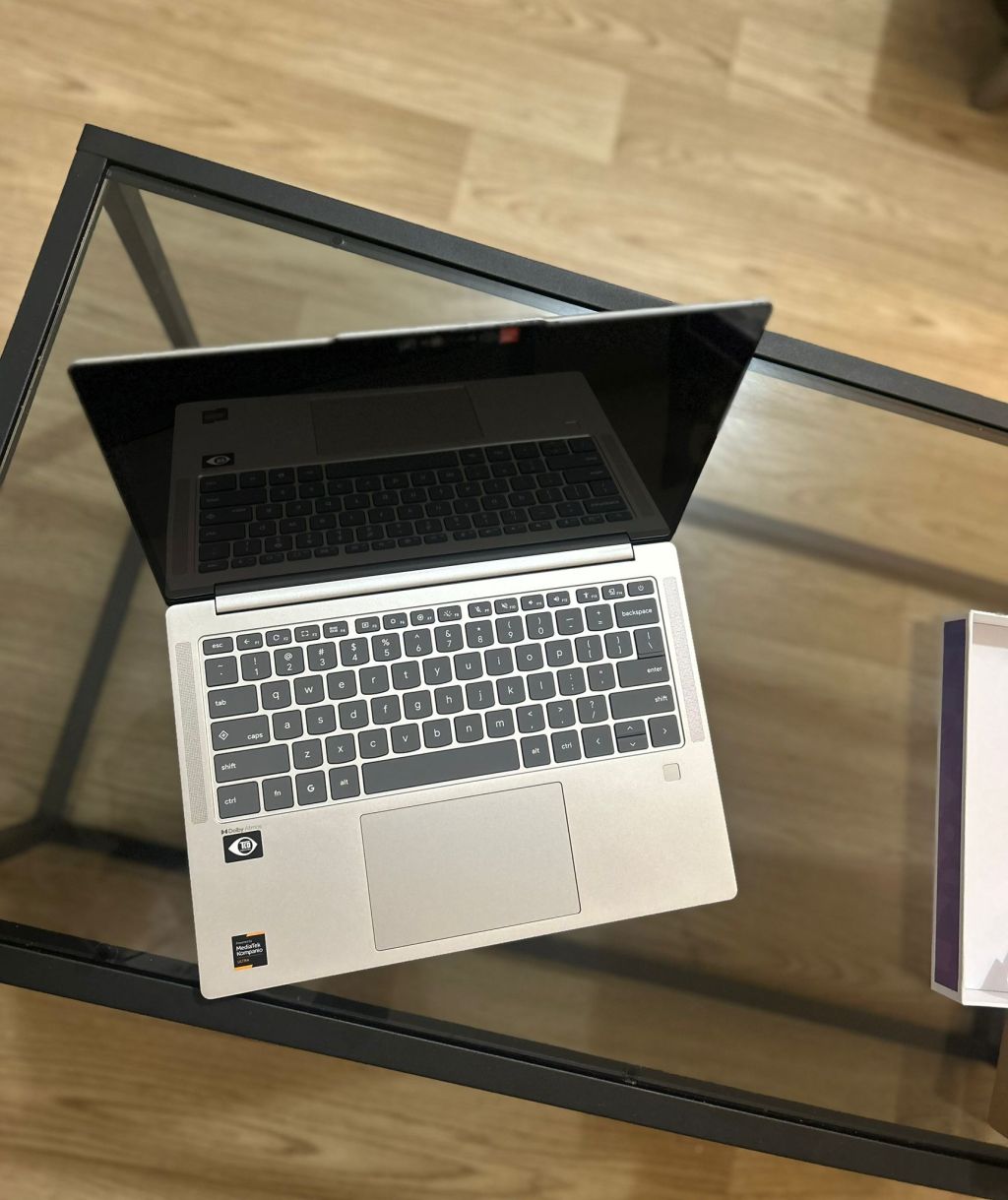
- “Keyboard shortcuts are not intuitive.” They make a good point about the missing delete key and things like caps lock. However, any new OS you switch to will have a different way of doing things. This is where an external keyboard might come in handy if you really need external shortcuts. Or if you’re more adaptable, learning to customize keyboard shortcuts on your device can be another option.
- “Offline actions are limited.” This is one of the reasons I might hesitate to use a Chromebook on a plane or remote area if I travel. However, with the availability of Linux (for example, LibreOffice), there are some apps you can work with offline if you have a powerful enough Chromebook. However, there’s not much you can do on any platform when you’re offline other than work on office documents or play local games.
As stated in the About for this blog, I tend to be pretty platform agnostic (I have been a fan of Macbooks, Microsoft’s Surface series, and Linux on Thinkpads), but as with any platform you choose, the right tool for the job will be the most critical.


 Chromebook Reviews