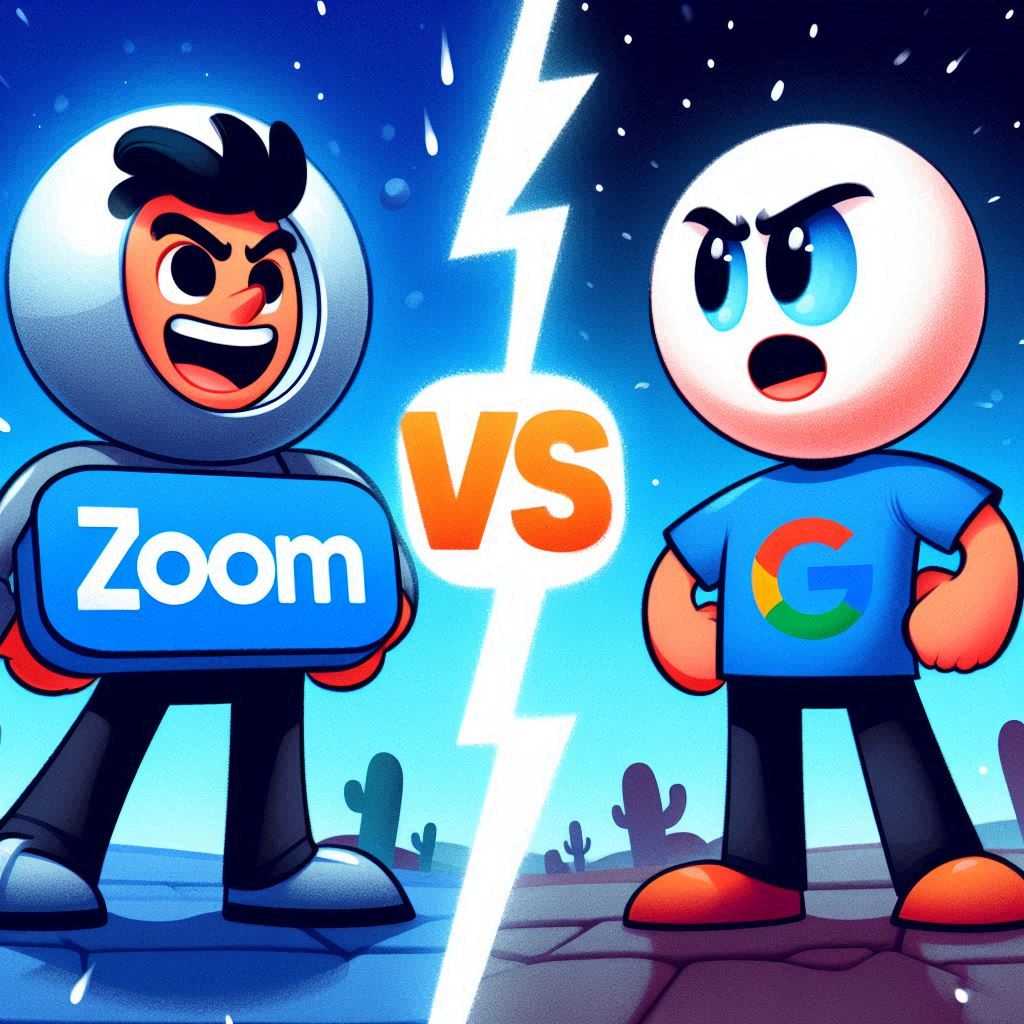
Zoom Inc. became the defacto remote education and remote working tool during the pandemic. As an adjunct lecturer for university students, Zoom became the educational standard for good reason. Zoom has educational tools including a whiteboard, breakout rooms for group discussions, and a screen sharing feature that allows you to annotate, use a laser pointer, and free-draw on any content that you’re sharing.
However, there are important differences when using Zoom on a regular Windows PC or Mac versus on a Chromebook. The current Zoom app on Chromebooks is a web app that has most of Zoom’s main features, but lacks important ones. The Zoom web app lacks the ability to annotate on screen sharing and the ability to see video thumbnails of participants during share mode.
Google Meet has had less popularity since it wasn’t originally designed with bigger meetings in mind. However, it’s more integrated into the Google ecosystem and might provide a helpful alternative to those looking to stay within the walled Google garden of apps. However, it may not meet all of your requirements if you hold meetings with larger groups.
So which one should you use?
Zoom Web App for ChromeOS
- Standard in many remote work industries.
- Includes breakout rooms feature in web app, including in the free version.
- Includes whiteboard use in web app.
- Includes use of background effects.
- File attachment feature included in chat (from local file or cloud storage).
- Con: 40-minute meeting limit on free version.
- Con: Web app lacks annotation during screen share mode like desktop version.
- Con: Web app lacks thumbnail preview of participants during screen share mode which is available on desktop version.
Google Meet on ChromeOS
- Well-integrated into Google Suite of apps.
- 60-Minute time limit for up to 100 participants in free version.
- Includes background effects.
- Able to see the participant thumbnail side by side during screen share mode.
- Con: Whiteboard is available, but involves having to go to a separate Jamboard link. Can be disruptive for students.
- Con: Breakout rooms feature only available on some G-Suite/Google Workspace Business/Education plans.
- Con: No annotating feature at all during screen share.
My overall pick as a remote instructor is going to be Zoom. It has more integrated features, including the feature to attach helpful aids and guides as file attachments in the chat.
The lack of breakout rooms in the free version of Google Meet is a major miss and Google’s different subscription plans can be confusing. Google’s Workspace plans (G-Suite for Business and Education) are different from its cloud-storage plans Google One and Google One Premium plan. For example, Google One Premium includes 2 TB of storage and the ability to record Google Meet meetings, but doesn’t include other extra Google Meet features like breakout rooms and attendance tracking.
Google Meet still has its place for 1:1 meetings. I have found it helpful for tutoring on ChromeOS since I can screen share while viewing both the content and video thumbnails of myself and the student to converse while sharing content I’m presenting.


 Chromebook Reviews