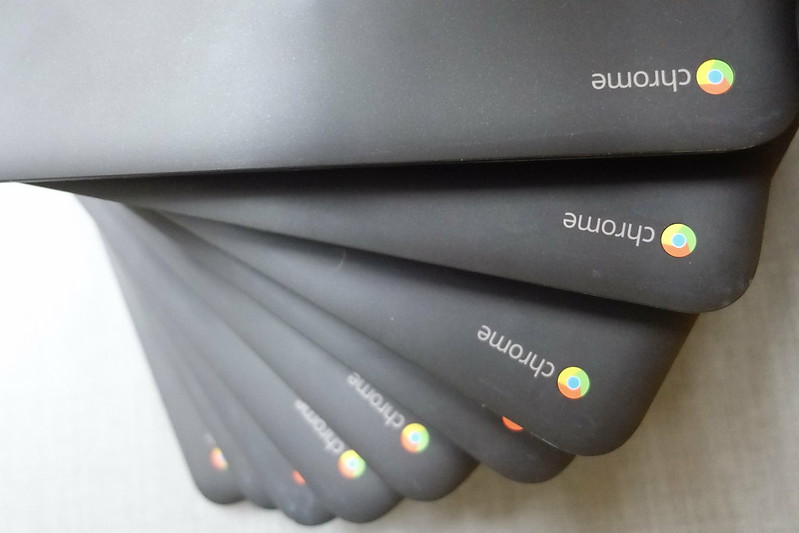
Whether you’ve upgraded to a newer and faster Chromebook (many of those Chromebook Pluses are looking good), clearing tech clutter, or recycling–donating an old Chromebook is often a more sustainable way to go than discarding it. Chromebooks maintain a long shelf life so they can be good hand-me-downs to smaller kids or non-profit organizations. Unusable devices can be refurbished or recycled.
If you’re planning to donate it to someone else:
- Make sure that the Chromebook is still within its Auto Update Expiration (AUE) date. Even if it’s an older device, it’s only fair to give away a device that will still have at least a year or two of usability, especially since Chromebooks past their AUE date no longer get security updates. You can technically still use it past the AUE, but its usefulness will quickly deteriorate over time. Chromebook end-of-life dates are pretty generous and usually fall in the range of 8-10 years. The AUE can be checked by going to Settings -> About ChromeOS -> Additional details.
- Backup all of your data. This goes without saying for any migration. However, make sure that you move all of your local files to your Google drive, a flash drive, or any other kind of external storage. Note: Files stored under Downloads are not automatically backed up to cloud storage and will be wiped out on a power wash.
- Power wash it. I had to try really hard not to make a dad joke here, but by now everyone knows that power washing means wiping the Chromebook clean to factory settings, critical for security purposes (unless you generously want the next user to go on a shopping spree with Chrome’s saved credit card feature). Steps to reset your Chromebook: Log out of your desktop -> Press shift + Ctrl + alt + r and a dialogue should pop prompting you to restart and wipe the machine clean.
- Charge the battery. For the sake of preserving battery life, it’s not recommended to have a device fully charged or fully depleted for a long period of storage time. You might want to charge the battery up to 80% for the next user.
Places to donate older devices:
- Goodwill: Accepts IT equipment in any condition.
- The Salvation Army: Accepts all kinds of computer equipment and recycles unusable machines.
- National Cristina Foundation: Connects donors with schools, non-profits, and agencies that need tech support training.
- Computers with Causes: Non-profit that accepts a variety of used computers, tablets, and accessories.
Image Credit: David Lofink, Flickr. Creative Commons license.


 Chromebook Reviews