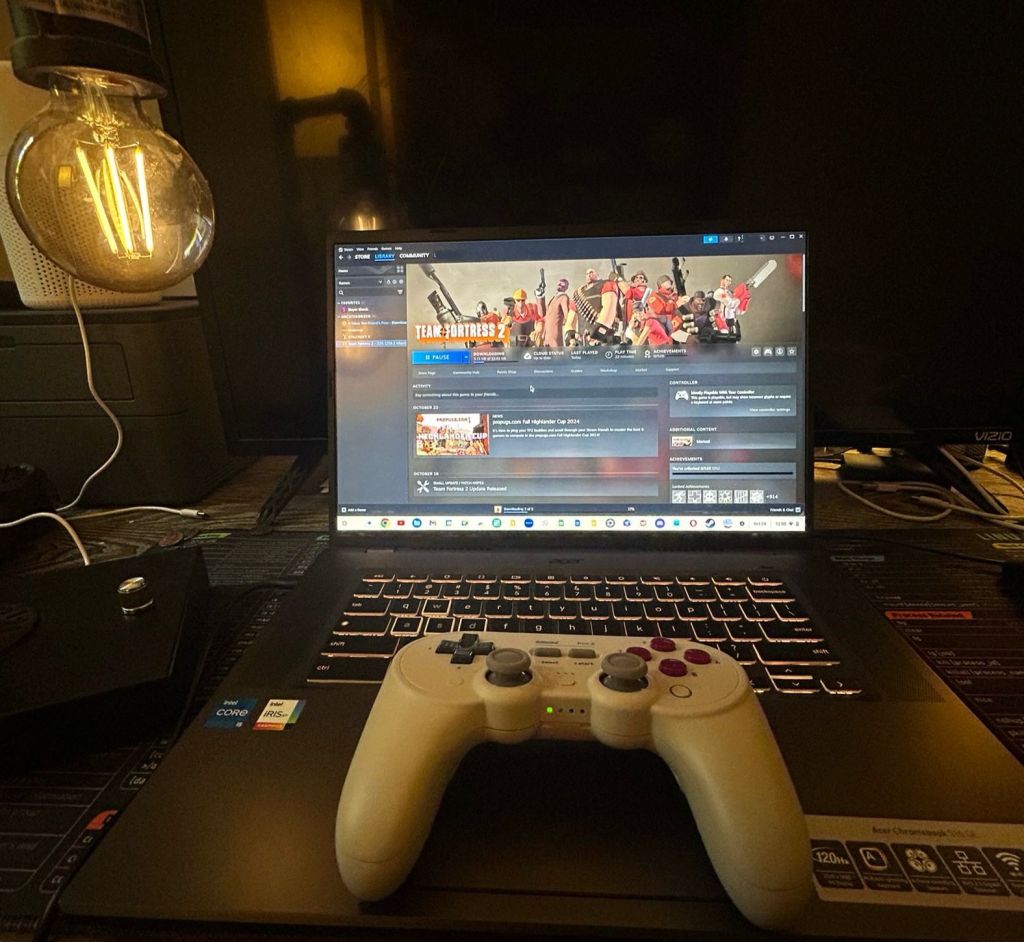
If there’s any place that Windows PCs still hold water versus its Mac, Linux, and ChromeOS counterparts it’s in the gaming arena. After dedicated consoles, Windows machines are the next best choice for gaming because of the diversity of hardware configurations, upgradeability, and sheer universal amount of titles available for the platform.
So when you think about gaming laptops, a Chromebook would probably not even be among any of the choices in the running. They’re typically efficient fast-bootup machines that can do a lot with very little, which makes them popular in the education and business sectors.
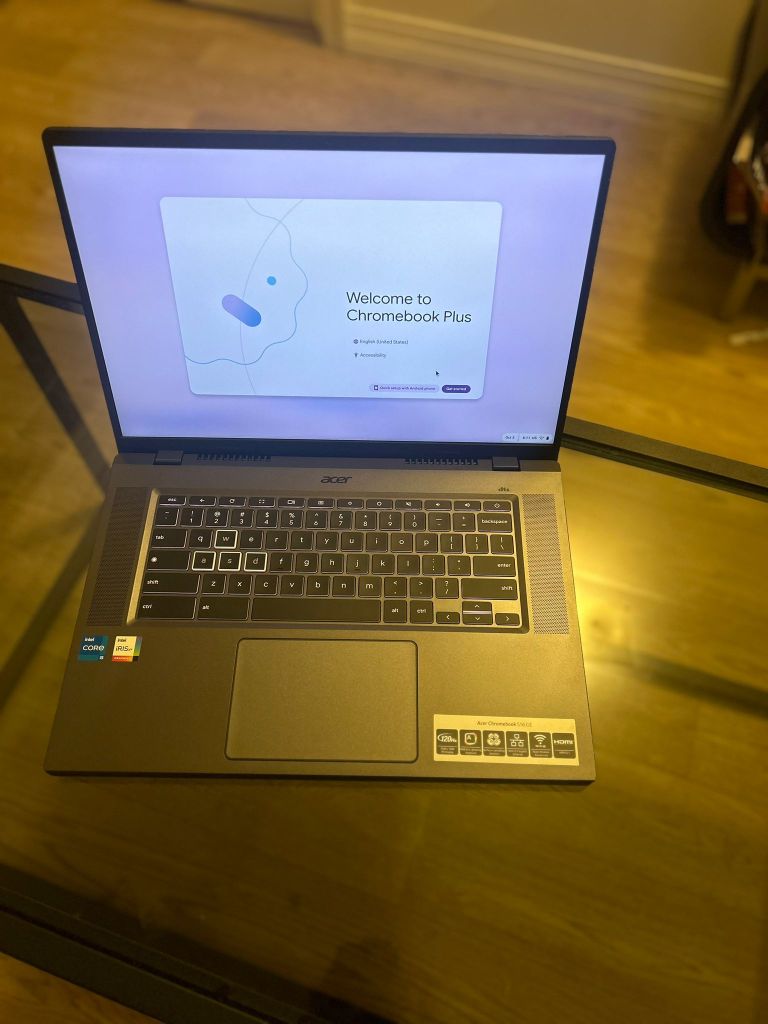
Google has been trying to change some of that with the new Chromebook Plus category (a successor to the formerly premium category of Pixel Gos), and Acer took it a step further with their Gaming Edition Chromebook Plus.
Quick Specs
The Acer 516 GE comes with the following specs:
- 16-inch display with a 120 Hz refresh rate and 1080p HD webcam
- 12-Core i5 Intel processor
- 8 GB of RAM
- 256 SSD drive
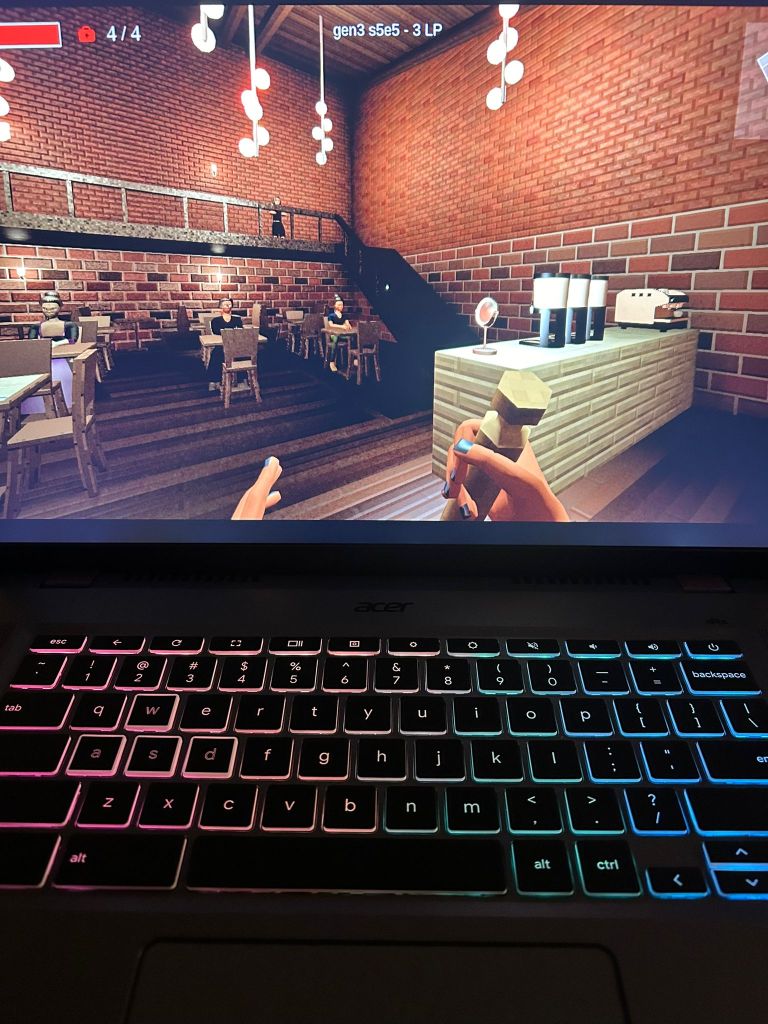
- A backlit RGB keyboard
- Free trials for NVIDIA’s GeForce Now and Google’s Gemini AI (as well as premium 2 TB Cloud Storage for a year) as Chromebook Plus perks
Display
The 16 inch display provides ample screen real estate for most tasks, as well as a bright screen of over 300 nits. One (big) downside is that the display is non-touch, which for a more premium Chromebook Plus feels unforgivable (especially when a more basic $169 Lenovo Slim 3 includes one by default). This also presents a missed opportunity when it comes to installing Android games on this device which are still very much touch-optimized. The webcam is average at an HD resolution (above potato quality but below premium) but still good enough for work calls.
Ports
The number and kind of ports feel “just right”. I’m always a fan of any device with an RJ-45 Ethernet port (a must to reduce lag for video-conferencing and gaming) and a 3.5 mm headphone port (Bluetooth headphones are always finicky and bouncing across devices). In addition to its 2 USB-C ports (one for its power adapter), there is a USB-A port on the right, an HDMI port, and a Kensington lock. No dongle needed for most uses.
General Performance
This machine flies on Chrome OS, especially with its Intel i5 processor and SSD storage (the SSD storage tends to be the biggest speed boost over eMMC drives, which take a pause when opening up the Files app). It’s a great productivity machine for the office as well as for media and having several streaming services and office apps and tabs open.
Gaming
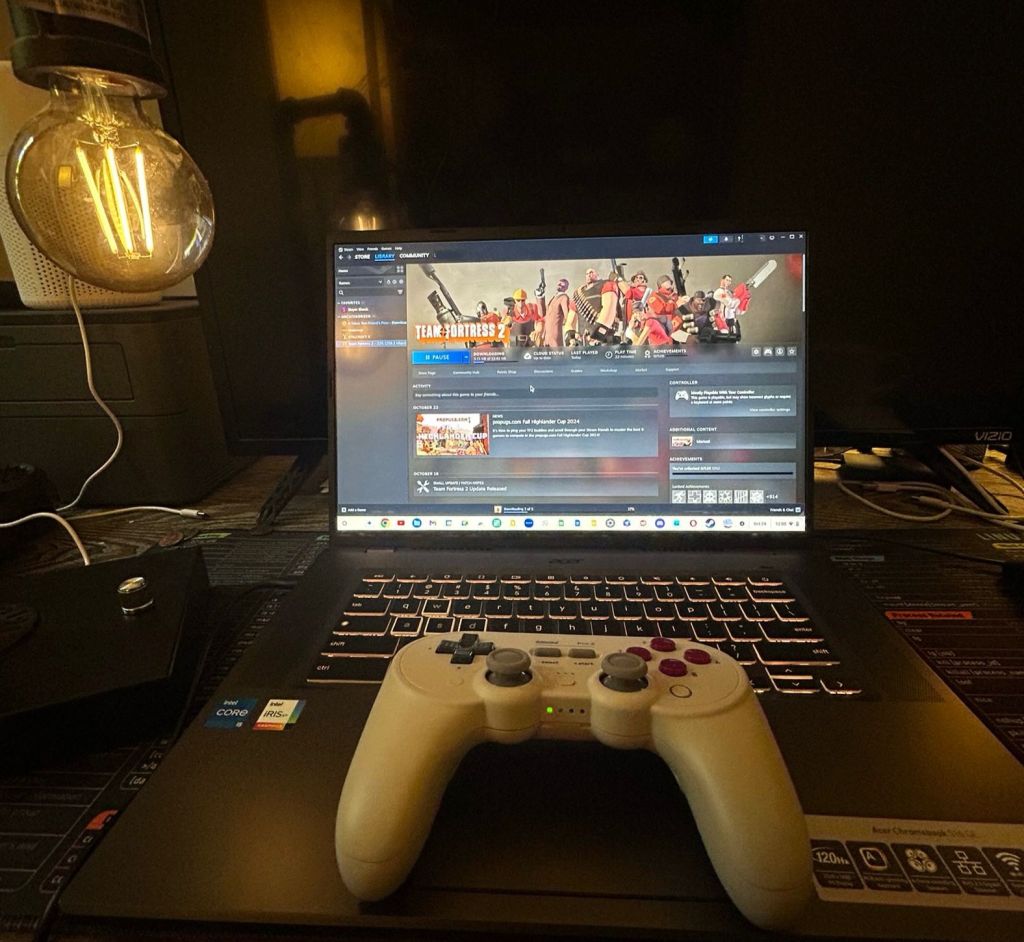
I was able to install Steam for Chrome OS, some Linux games, and log onto NVIDIA’s Geforce Now Cloud gaming service. Just like Chromebooks are designed to be cloud devices, this Chromebook was designed for cloud gaming, so the most important spec for gaming will be the quality of your internet connection (though you do want to have a decent enough host machine with a good display and RAM).
Many locally installed Steam games including racing game Asphalt Legends and my indie favorite Slayer Shock play well, but the machine’s integrated graphics don’t make it a gaming laptop in the traditional sense, especially given its non-dedicated graphics (the Intel Iris XE works well for older top titles and midrange casual and indie games).
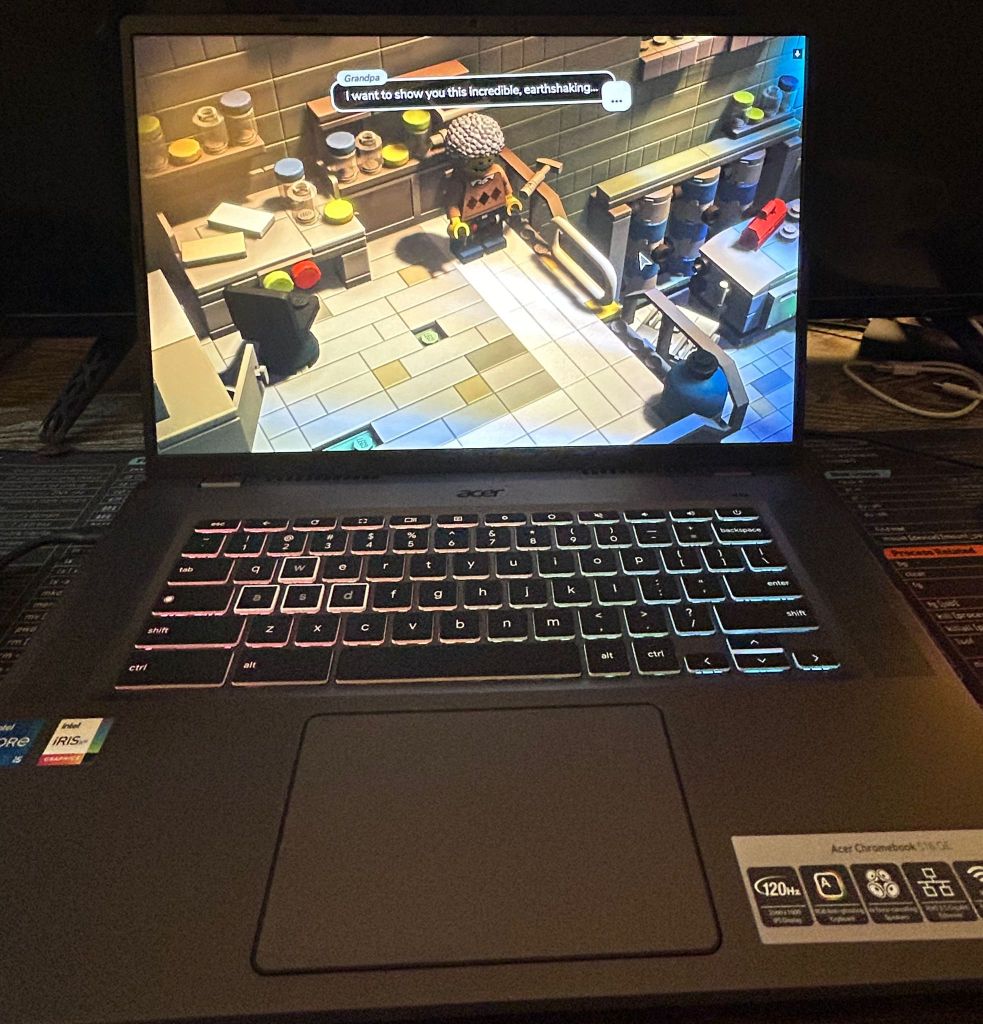
The free version of NVIDIA’s cloud service had some annoying limits (like waiting in queue before using a machine) and about 1-hour of session time, making the premium plans obligatory. Games ran at 60 fps on the free plan. The priority and ultimate plans will help net you 60 fps (1080p) to 120 fps (4k) in streaming quality, respectively, with no ads during the queue. Lego’s Brick Tales demo streamed smoothly and with no lag in the controls.
You are able to install Android apps, but the lack of touch features really hurts this machine when it comes to Android games. I wasn’t able to play one of my favorite fighting games nor map out my Bluetooth controller to replace the controls.
Final Thoughts
General Grade: B+: Good office and classroom station. This machine gets a B+ to A- as a general use Chromebook because of its fast processor, decent RAM, 16-inch bright screen, and availability of HDMI and RJ-45 ports. It makes a great machine for the office or classroom, especially because of the HDMI and presentation capabilities. The lack of touchscreen does hurt it.
Gaming Grade: B-: For the casual indie Steam and cloud gamer. If you’re someone who doesn’t need to play triple A games locally, this a good sub-$600 machine to play indie games on Steam and many mainstream cloud games on NVIDIA GeForce. The bright 16-inch screen and RGB keyboard make it a pleasant Chrome OS-based gaming station. However, if you want a gaming machine with a wide variety of choices and local gaming performance, a higher spec Windows PC will remain the standard.



Check out the Acer 516 GE on Amazon.
Disclosure note: The above is an affiliate link that pays a small portion of each sale toward the blog.


 Chromebook Reviews
4 responses to “Is the Acer 516 GE Worth It for Cloud Gaming?”
[…] from Cloud Gaming: There is a gaming Chromebook incarnated in the Acer 516 GE. The Acer was advertised as a cloud gaming machine that would take advantage of NVIDIA’s […]
LikeLike
[…] Chrome Unboxed article recently reported that Acer (who already has an Intel-based Chromebook Plus in their Gaming Edition machine) has joined Lenovo in releasing an ARM-based Chromebook Plus […]
LikeLike
[…] when it comes to having the best of both worlds: battery efficiency and moderate power. I sold my Acer 516 Chromebook Plus and kept my Lenovo Slim 3 for a […]
LikeLike
[…] the Lenovo Slim 3 Chromebook and after trying several Chromebooks on the high end (including the Acer 516 Gaming Edition) and on the ultra-portable end (the Lenovo Edu G2/Lenovo Duet Gen 9), I have to say that this one […]
LikeLike