
The Lenovo Duet Edu G2 is the twin sibling of the Lenovo Duet Gen 9, a part of Lenovo’s line of 2-in-1 tablet Chromebooks.
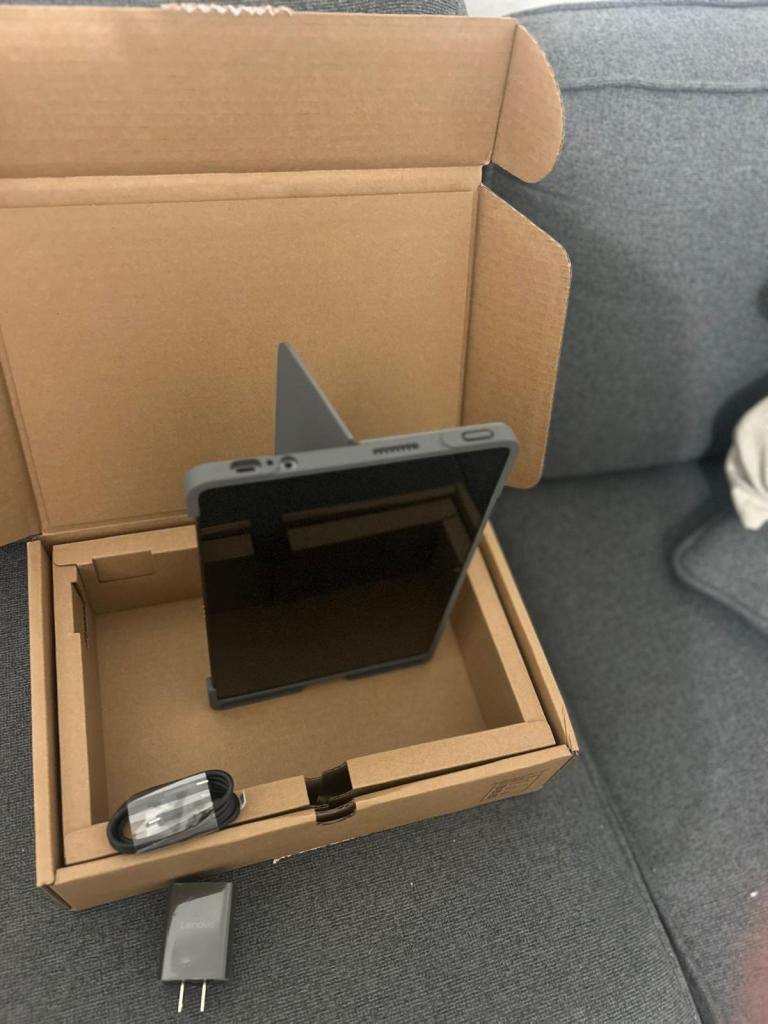
They’re both essentially the same device, except that the Edu G2 is, as the name implies, for the education market and comes with a fieldwork-tough (chonky) TPU case that can withstand a pretty rough drop (or even throw, though hopefully you won’t be in a situation that requires that). I would say that it’s almost military grade, though it’s technically crafted for education (insert parent joke here).
Specs:
- 11” 2K 16:10 touchscreen compatible with Lenovo USI Pen 2 (400-nit brightness)
- Front-facing 5 MP camera with privacy shutter and AI webcam features including heightening video focus and clarity
- 8 MP Back camera
- 8 GB of RAM
- Mediatek octa-core 838 Processor (fanless SOC CPU)
- 64 GB eMMC storage
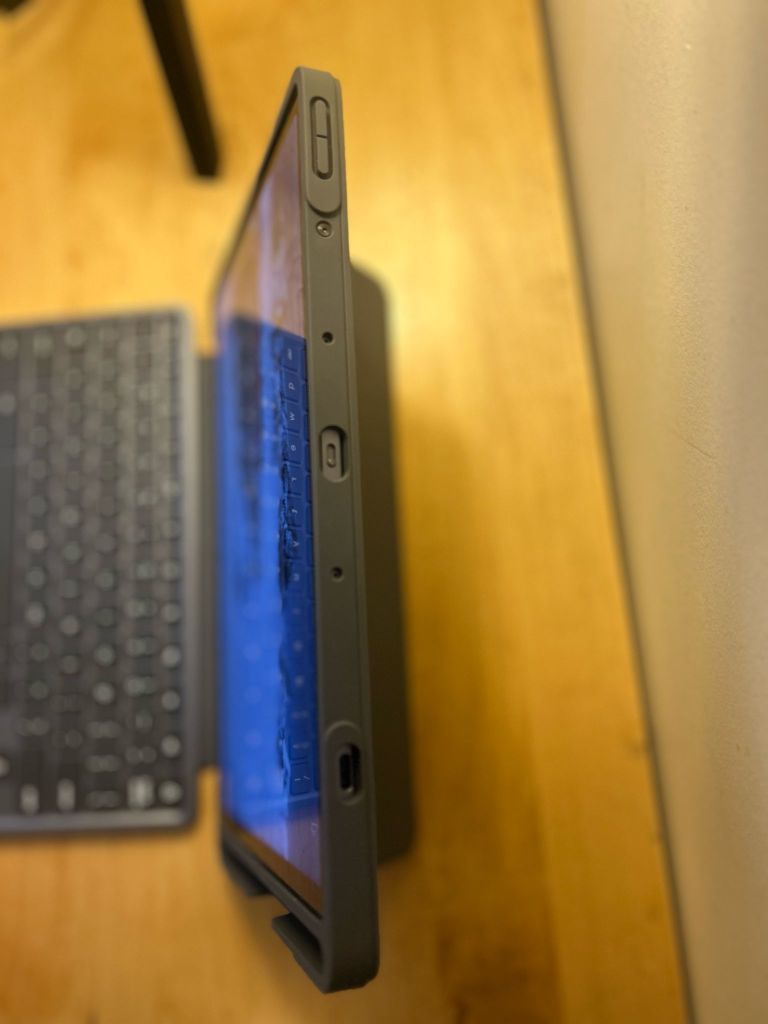
- Two USB-C ports
- TPU protective case
Performance
While this Chromebook doesn’t come with the Chromebook “Plus” designation, it is anything but a budget Chromebook–it would arguably be a solid midrange device.
It comes with 8 GB of RAM, unlike a budget Chromebook’s standard of 4 GB. It also comes with a mid range ARM-based Mediatek 838 processor, which is ideal for running Android apps, multi-tasking, all-day battery life and silent operation with its fanless design.
I’m a big fan of ARM over Intel for Chromebooks because of this is the kind of all-day decently-powered portability I think Chromebooks are ideally designed for. I don’t have to worry about having a wall outlet constantly nearby, nor overheating, and can reliably count on close to 10 hours of all day juice.
That said, its lack of an SSD drive (opting instead for slower eMMC storage) makes the Duet less than ideal when it comes to local storage—and falls short of the Chromebook Plus designation.
Hardware
As a teacher and clinician, I went for the tankier Edu G2 because of the TPU case and because I’m always moving around between my home office, regular office, and classroom. I also wanted to try out a new form factor since the regular Lenovo Duet Gen 9 already reminds me of my older Microsoft Surface Go 2 (another great 2-in-1 device). The 400-nit screen and touchscreen are a plus for note-taking and annotating.
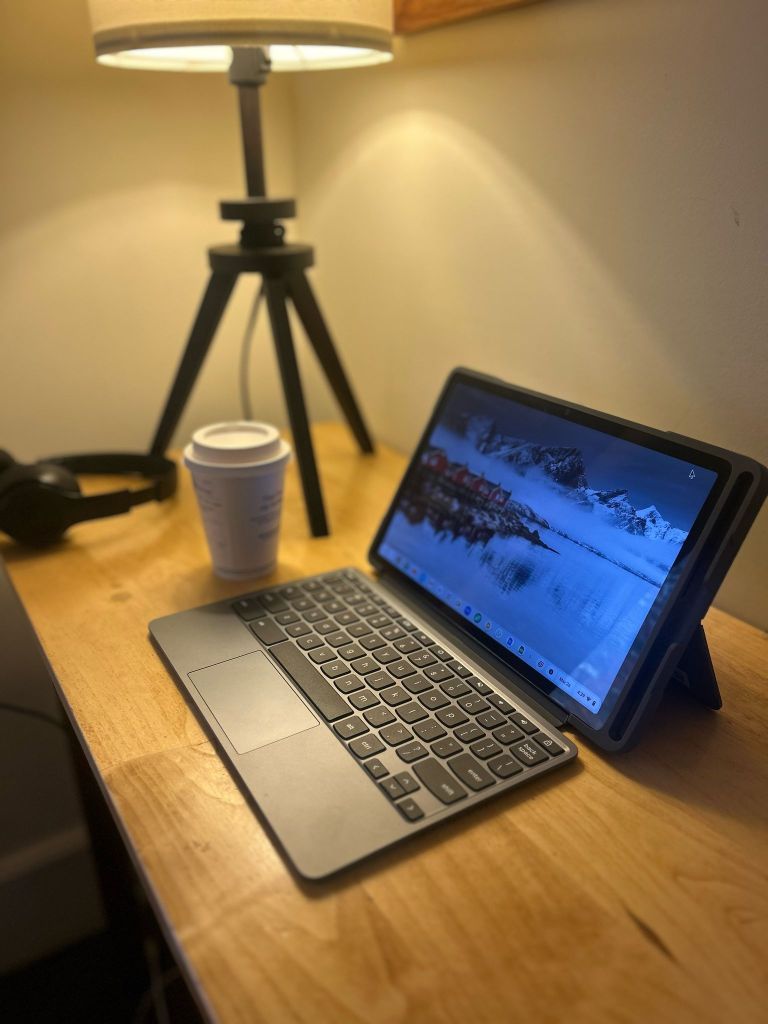
The TPU case feels both firm and rubbery, which makes for a fairly impact-resilient protection case. The case is screwed onto the machine which is certainly not my favorite choice since now you have to avoid any peripherals with thick USB-C connectors. There was a missed opportunity for an HDMI port, though the device supports up to two displays.
The case also comes with an integrated pen holder–herein comes the challenge with reviewing this device.
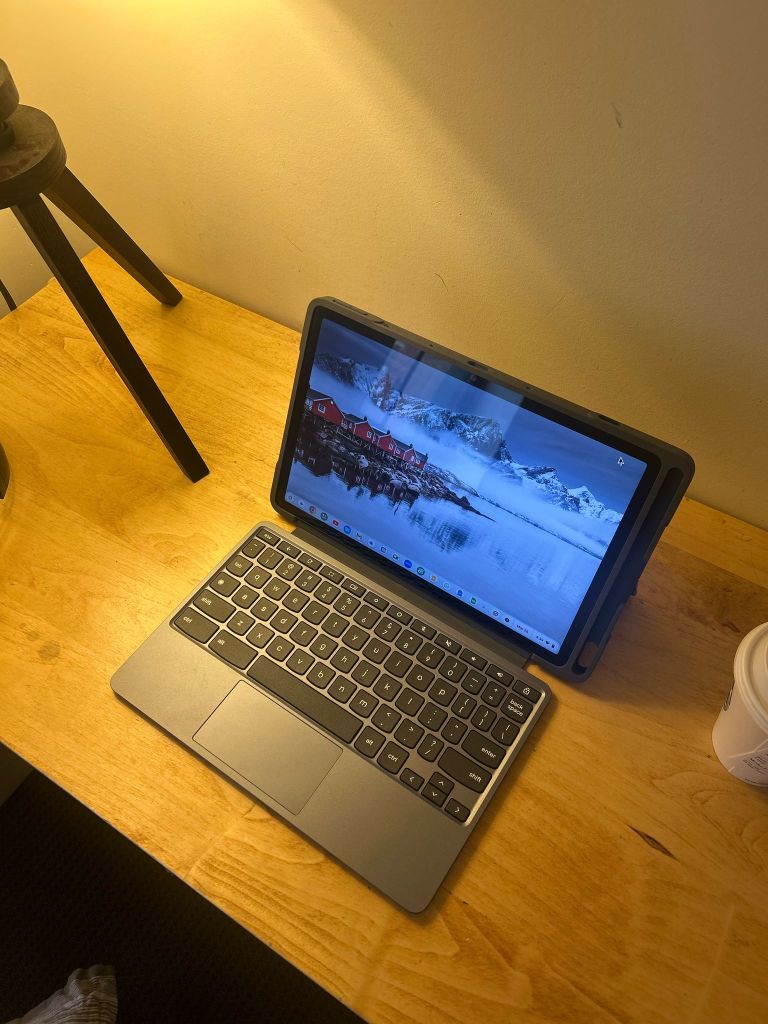
Some Duets come with both the pen and keyboard, but this Edu G2 edition did not (which seemed like a counter-intuitive thing to omit for the educational environment). I ordered the folio keyboard through CDW (which was on backorder for a month) and the pen online as well (though I could get away with using my old Surface Pen). It would have been a smarter choice to go for the non-education Duet Gen 9 since it looks like these models come with both the pen and keyboard.
Software
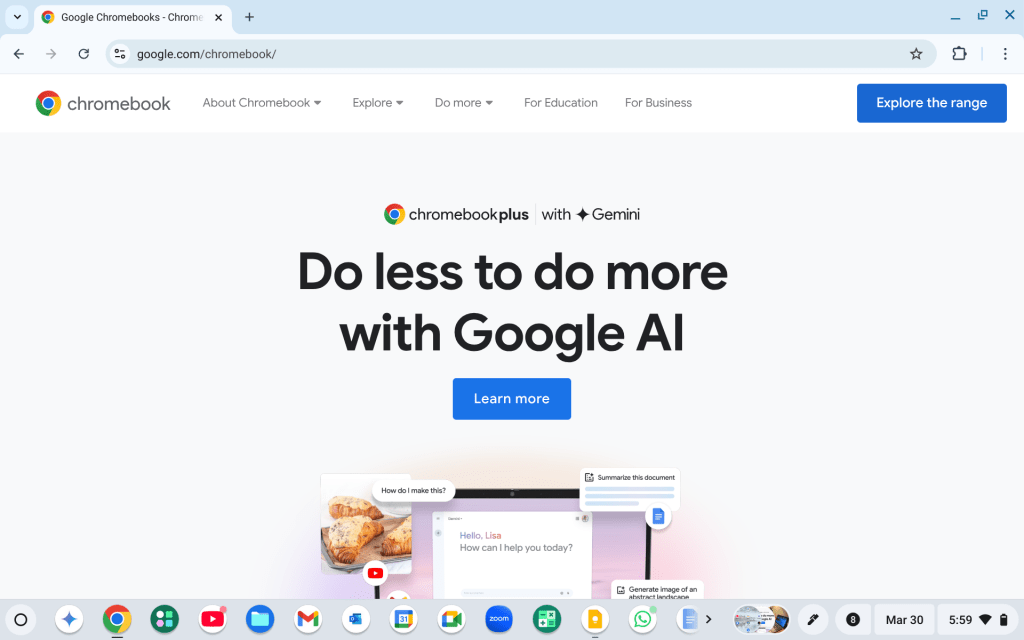
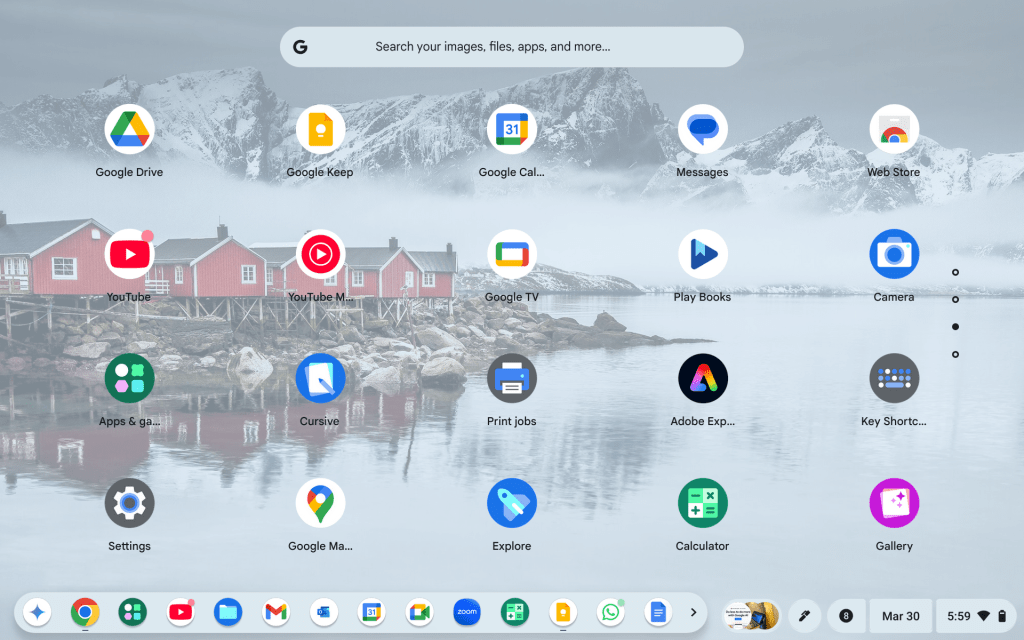
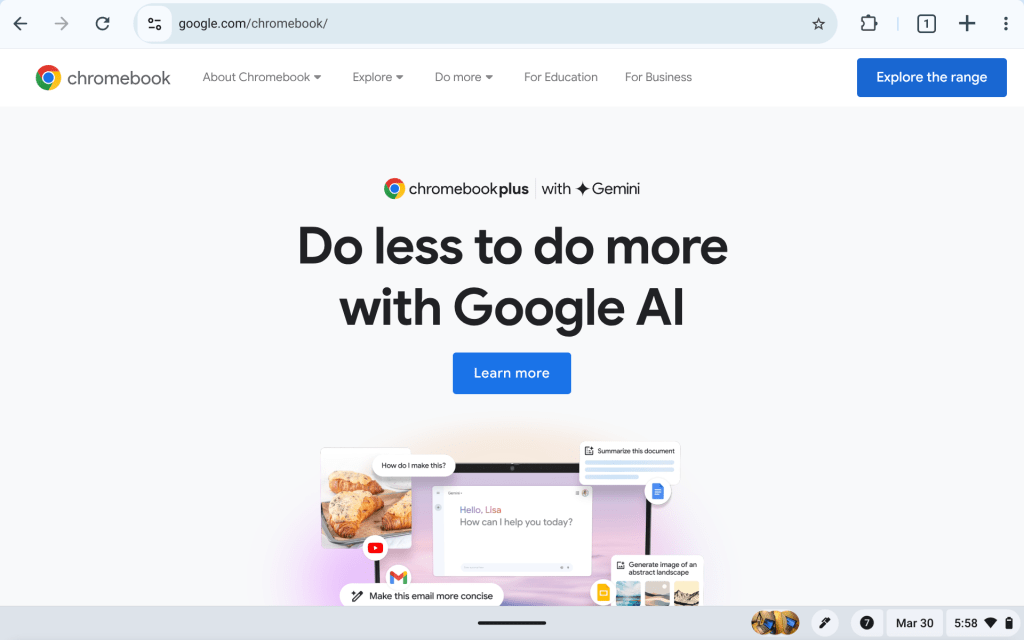
The layout of ChromeOS on the Duet is slightly different since the OS will put the Chrome browser in full screen when in tablet mode and show a floating dock for apps. Attaching the keyboard folio makes the desktop automatically switch to the regular desktop layout and taskbar running across the bottom of the screen.
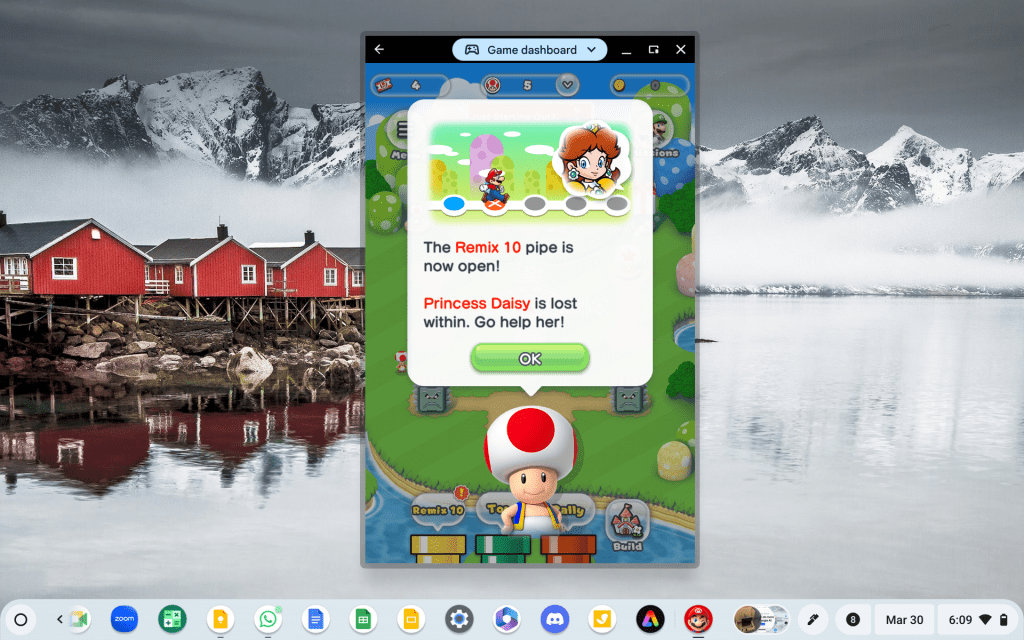
Android apps work as expected, though Android on ChromeOS can be hit or miss since not all apps are optimized to run on ChromeOS.
That said, I was able to play the Android version of Mario Run and fire up my work VPN. Even though the VPN is an Android app (which technically runs in a separate (“container”), it encrypts connections on the entire device and will show up on the main notification taskbar.
Concluding Thoughts
As an instructor, it makes a great classroom and library companion. The touchscreen and small form factor couples with the convertible laptop mode make it a versatile device. The all-day battery life and accessibility of many apps make it an all-day working machine.
I use it in tablet mode when I’m transferring notes from my screen to the whiteboard or when I’m signing off on admin paperwork. I switch it into laptop mode when I need to write or grade assignments.
I would probably not use it as my daily driver for everything else because the smaller screen is more cramped than my Lenovo Slim 3 and desktop Chromebox, but it makes for a highly sturdy 2-in-1 for fieldwork or travel, especially when joined with a hotspot. With an end-of-life for automatic updates scheduled for June 2034, this device is guaranteed system updates that support longevity and sustainability.


 Chromebook Reviews
One response to “Lenovo Duet Edu G2: Ultimate 2-in-1 Tablet for Education”
[…] on the high end (including the Acer 516 Gaming Edition) and on the ultra-portable end (the Lenovo Edu G2/Lenovo Duet Gen 9), I have to say that this one remains my favorite for the perfect middle […]
LikeLike