Although both are based on the Linux kernel, using ChromeOS and mainstream Linux distributions are very different experiences. ChromeOS, originally based on Gentoo Linux, is a cloud-first OS and is leaning in the direction of integrating more with Android (another OS based on the Linux kernel). Linux distributions mostly offer the traditional desktop experience you’d find on Windows and Mac.
So which OS might be right for you if you’re looking to get away from the Windows or Mac ecosystems?
I personally use both. However, here is my take:
You should use ChromeOS if:
Most of your tasks are cloud-first: Many office settings, like my university job, are Google Workspace shops so Docs, Sheets, Slides, and GMail are part of their automatic ecosystem. They make great work machines because they are instant-on, reducing the snag or unexpected delays that can happen with other OS boot up sequences.
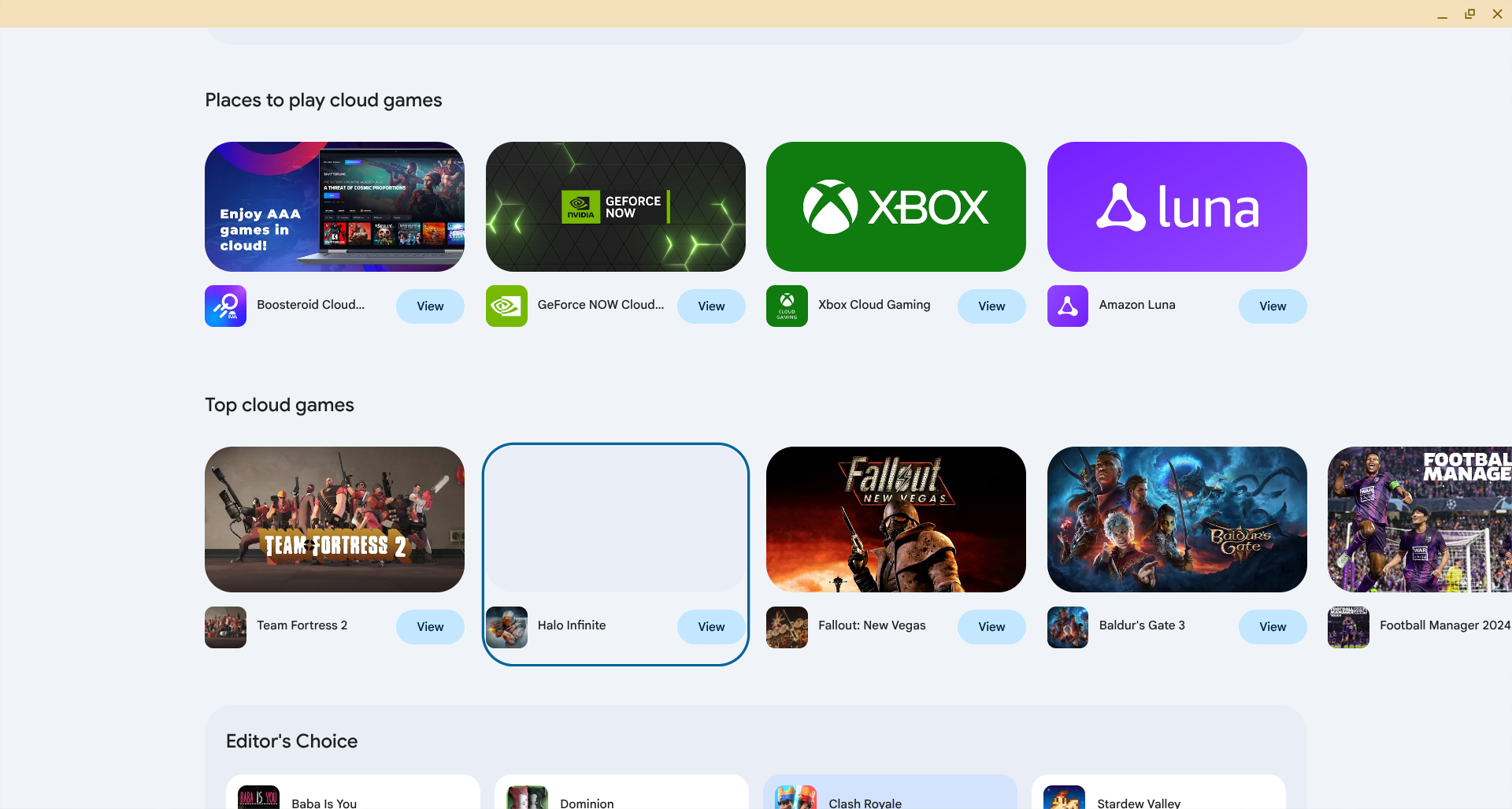
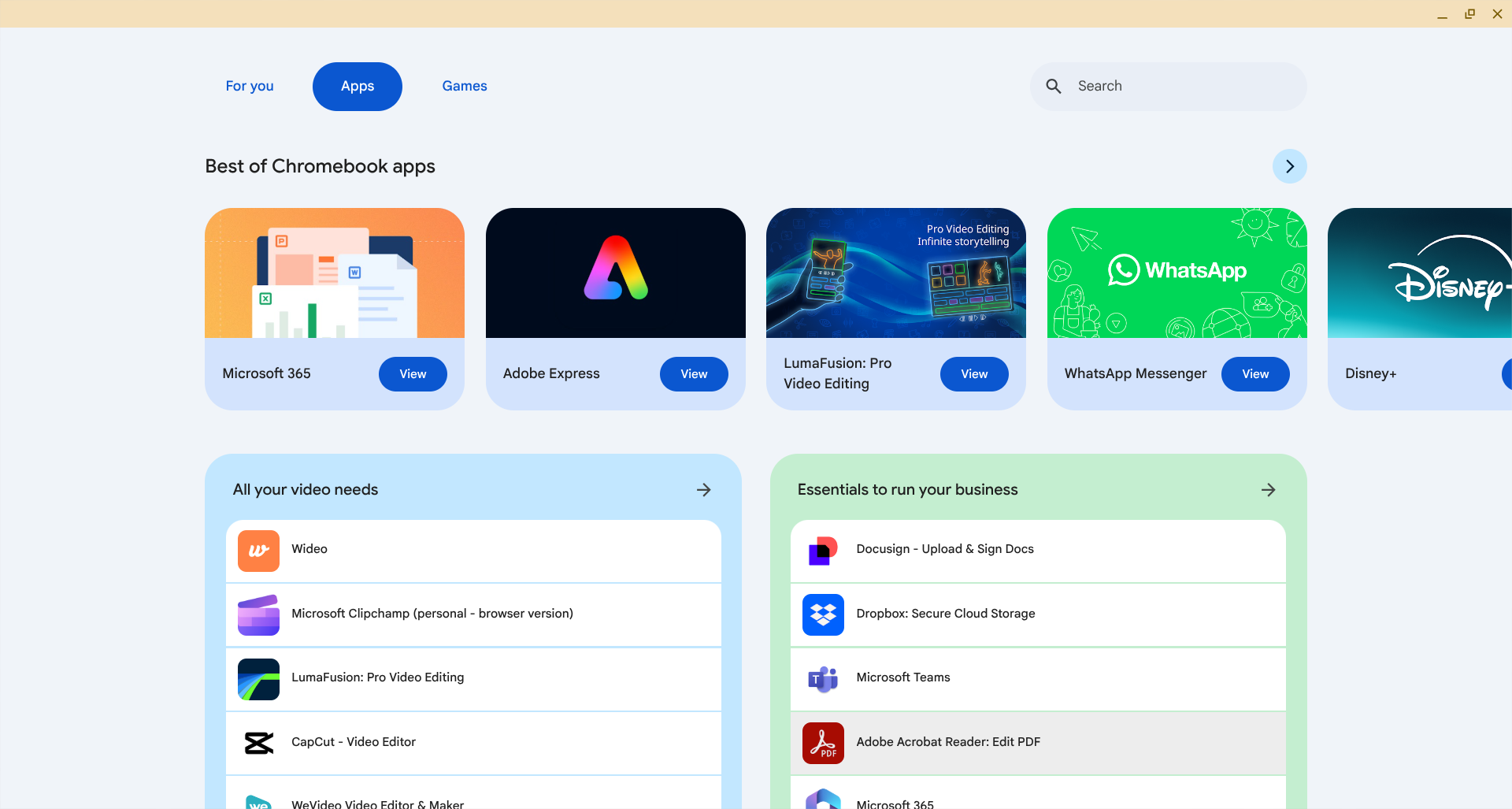
You’re setting up a fail safe machine for a less tech saavy older parent or person: ChromeOS devices tend to be extremely low maintenance, update by themselves, and have a shelf life of 10 years. I have given my elderly father a Chromebook device years ago and have yet to have to give him any tech support. There is still a risk of bloatware if too many extensions are added, but a power wash easily resolves this.
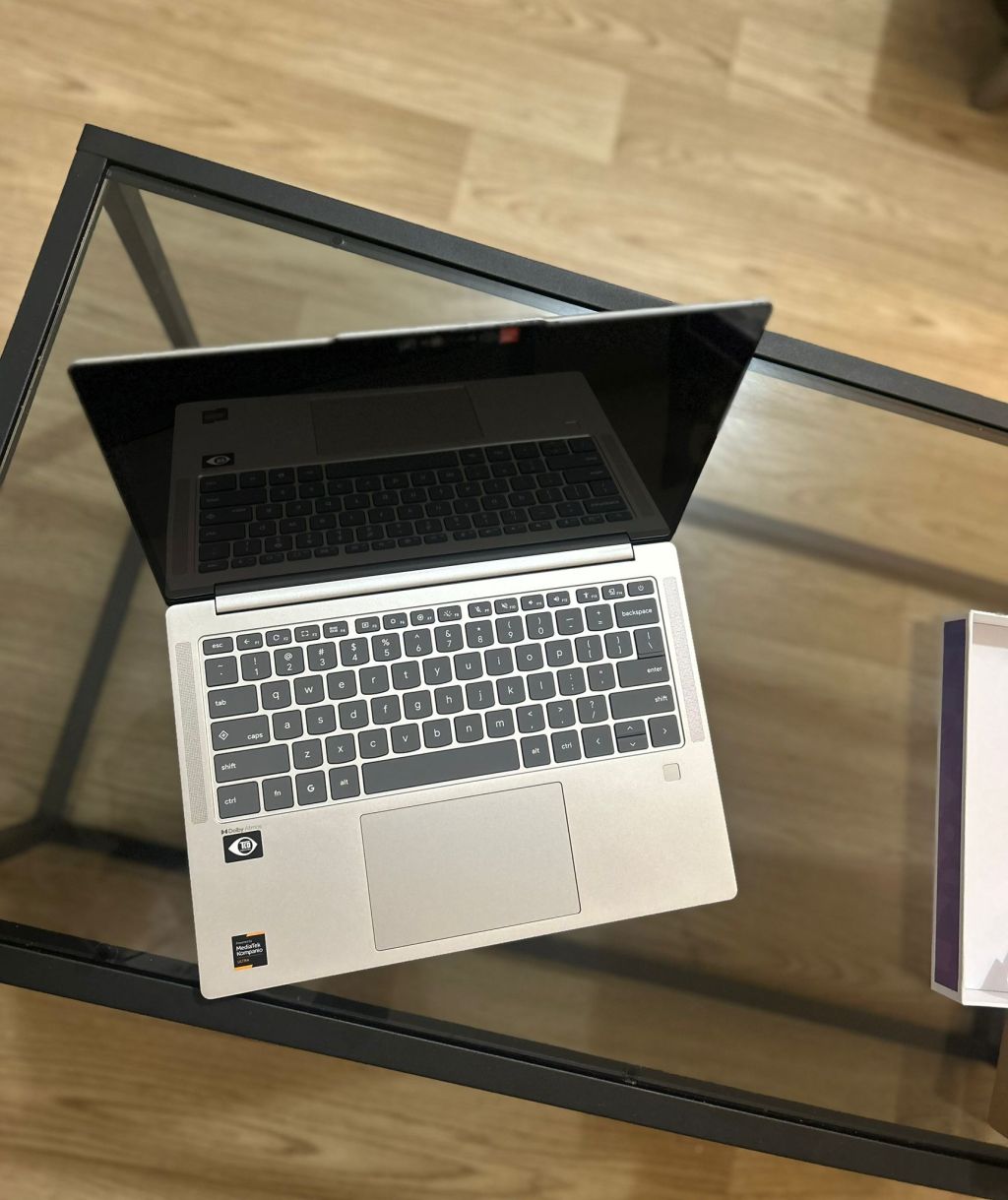
Battery efficiency: Many ChromeOS devices, especially ARM-based ones, are excellent at sipping battery life versus chugging it. This is especially evident with the Chromebook Duets and Mediatek-based Chromebooks. My Slim 3 easily champs through a whole 8-10 hour work day.
You want a secondary consumption device for relaxation or travel: If you want something not as fully powered as a full laptop, but still more functional than a tablet, a Chromebook is a good secondary device for a living room. It’s also an excellent device for travel, since its cloud setup minimizes potential damage coming from theft, accidental damage, or loss. Their affordability also make them less likely to be stolen. 😂
You should use Linux if:
You enjoy customization: Linux distributions offer the ultimate in customization options in that you can make your desktop as efficiently barebones as you’d like, or as elaborate and fully featured as you need. Or you can try out the different styles and user interface flavors each distributions offers as a default.
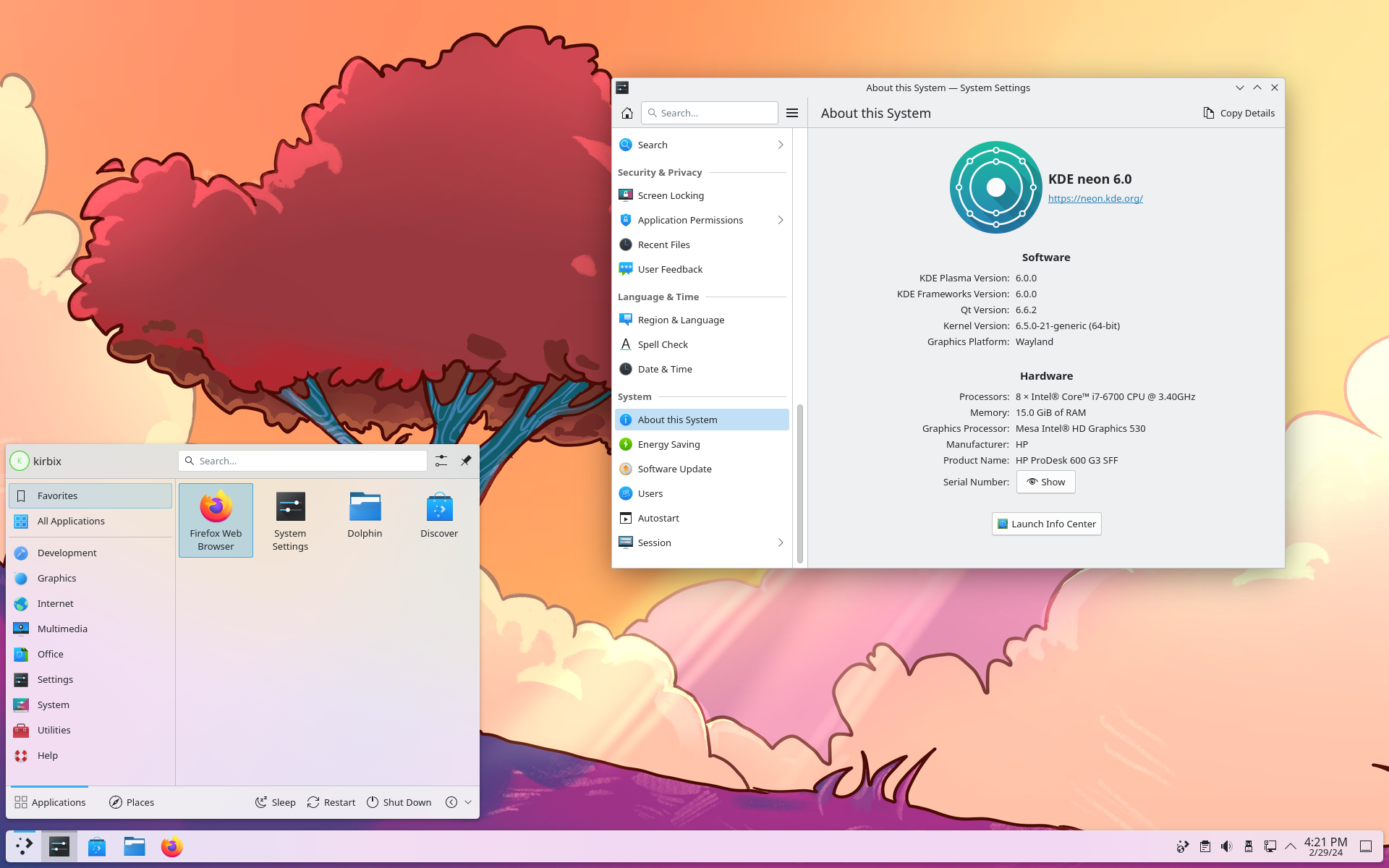
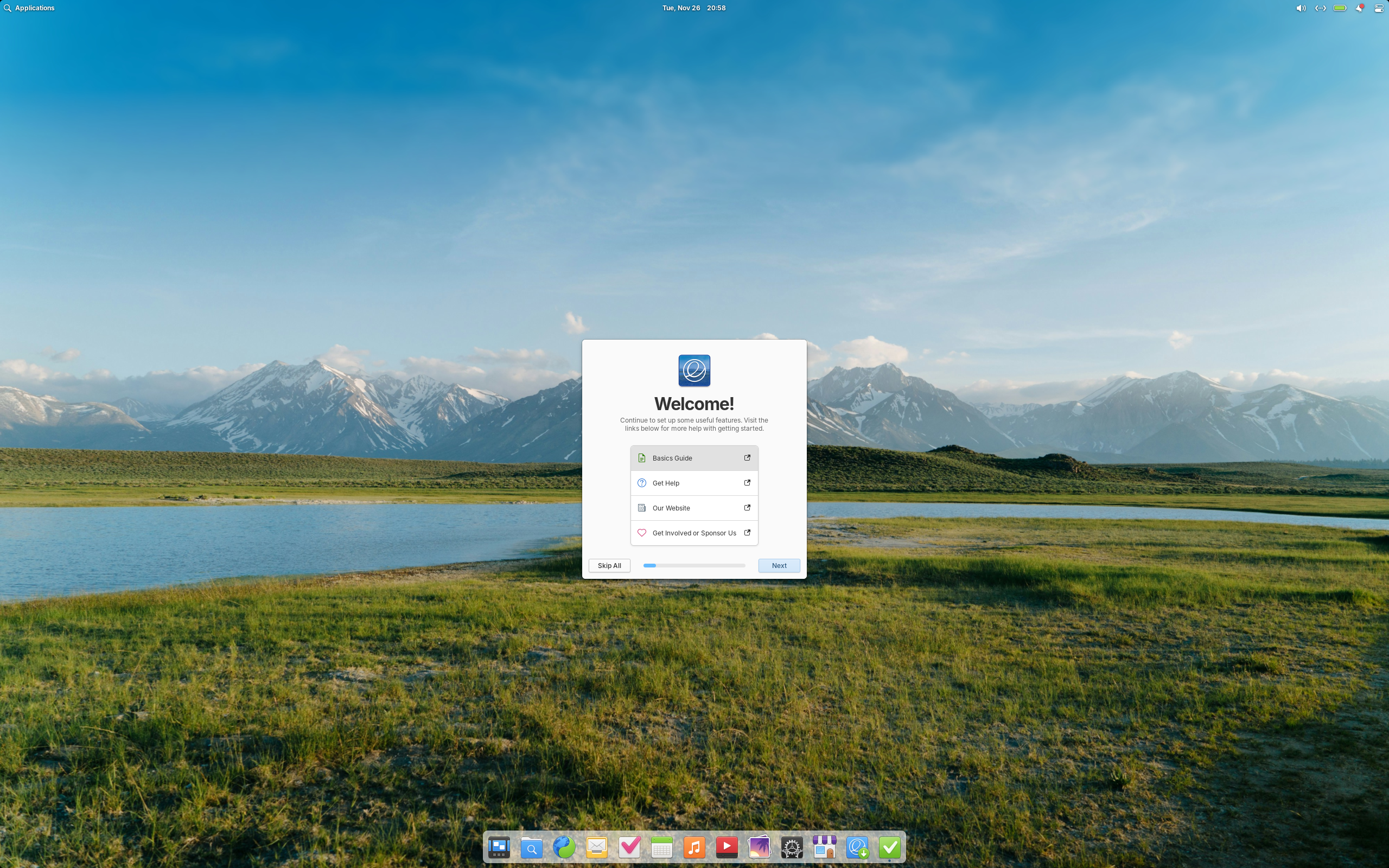
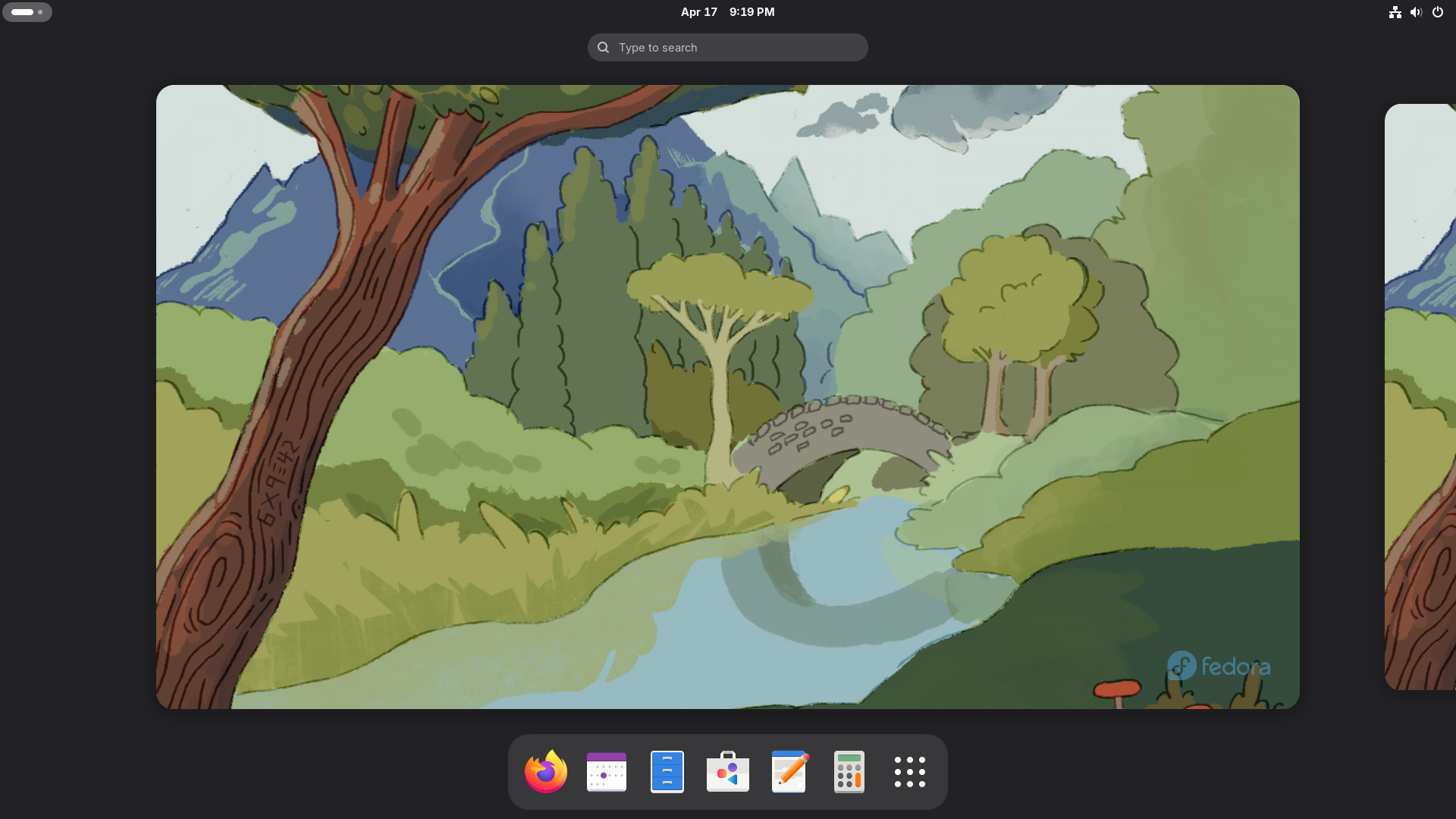
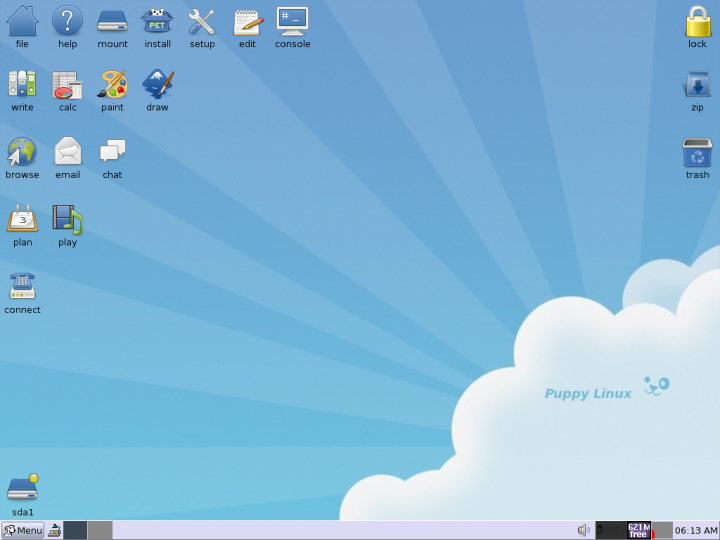
You want the most privacy: Linux isn’t tied to any one company, so you’re not required to have an online account to access and use your system versus ChromeOS’ requirement to have a Google account. Its FOSS (free and open source software) philosophy values the importance of transparency and privacy.
You want longevity: While Google is a major company, it’s not guaranteed that ChromeOS will be around forever. Linux tends to survive even when projects die out or get abandoned since the torch is often passed to a new community or developer (for example, MXLinux came out of the older MEPIS and antiX communities).
You need more offline apps: Gaming on Steam and specialty apps like Blender tend to run best on local hardware. Integrated app stores with a ton of free and open source apps make these easy to access on Linux.
You enjoy tinkering: Most desktop distros (Zorin, Mint, Nobara) are pretty easy to use and require minimal under-the-hood tinkering (app installation and system maintenance can be mostly performed via graphical user interface), but tinkering options are still there for those who like to learn about how their computer works.
Overall, an OS is a tool and not a sports team or religion, so people should use what’s best for the job. For me, ChromeOS’s instant on and reliance on web apps is great for my job, and Linux’s “tinkerability” is great for a full featured laptop that does light gaming.


 Chromebook Reviews