I’ve had nine months to work with the Lenovo Slim 3 Chromebook and after trying several Chromebooks on the high end (including the Acer 516 Gaming Edition) and on the ultra-portable end (the Lenovo Edu G2/Lenovo Duet Gen 9), I have to say that this one remains my favorite for the perfect middle ground.
The Acer, while powerful, has a poor battery life. While cloud gaming looks promising, I am still in the camp of getting a more dedicated gaming device (hello Switch 2 and PC gaming!). The 8 GB of RAM (low for gaming) and lack of a dedicated graphics card hurt it in terms of local Steam gaming–where it had local potential.
The 2-in-1 Lenovo Duet (Lenovo Edu G2), while versatile and good for my classroom days, feels cramped in terms of screen space for work. Also, I was disappointed that the battery life didn’t end up matching my expectations despite running on a fanless ARM-based Mediatek processor.
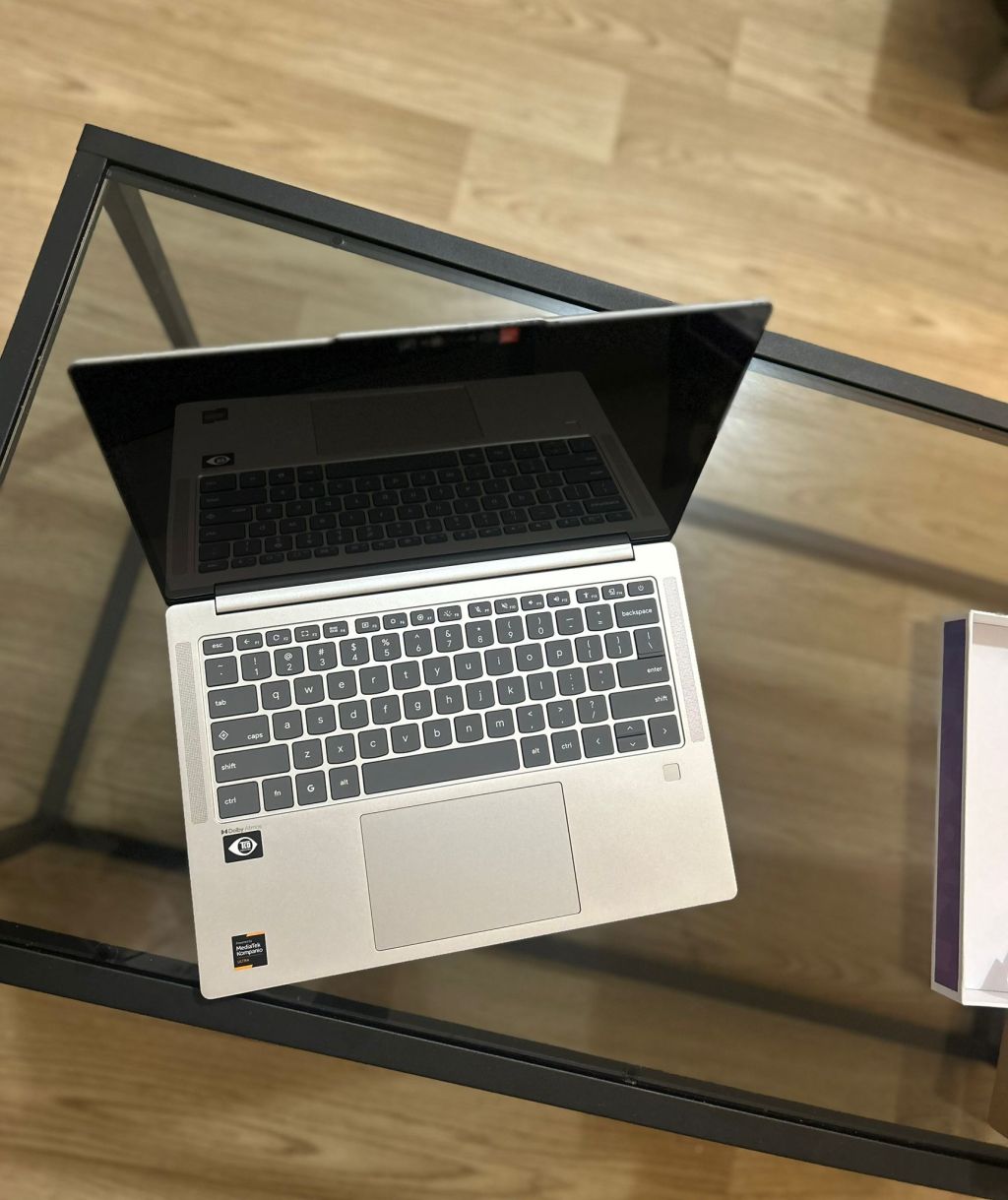
The Slim 3, while having a basic 4 GB RAM, easily gives me 10 hours of fanless battery life with the plus side of a touchscreen (rare in an entry level device). It unfortunately suffers because the eMMC drive, which is slower than the Asus’ SSD. However, with Android and Linux disabled, the device is still incredibly fast since I mostly rely on web apps (Outlook, MS Office, GMail, Discord, and Brightspace learning platform). The sluggishness is only felt when working with the file manager.
Best Buy still runs $179 specials on it at the time of writing (I’m not sponsored by BB), so it still makes it a great backup device or even a daily driver for basic office tasks. With higher RAM and an SSD, it would make an even more solid device.


 Chromebook Reviews