-
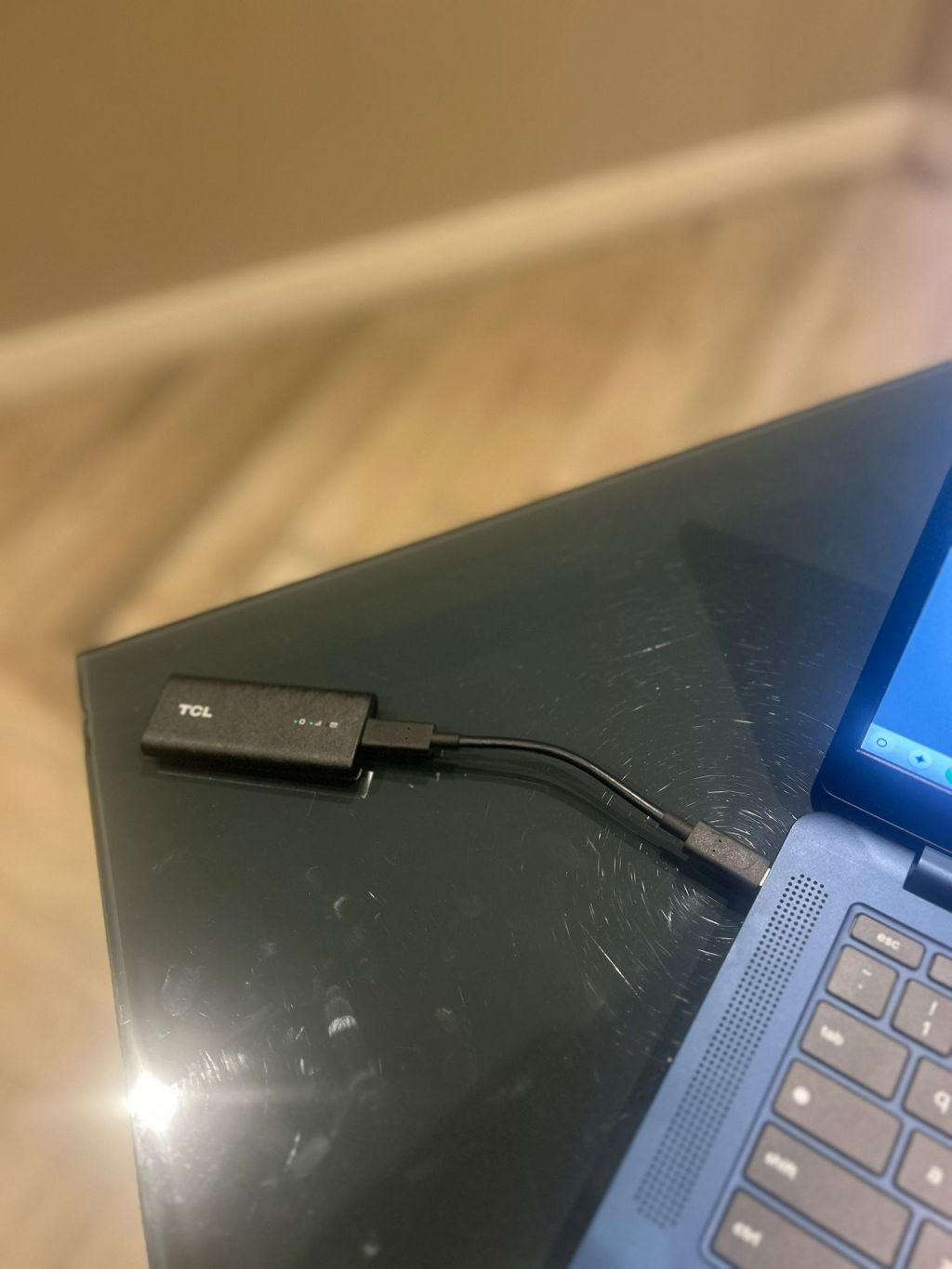 Continue reading →: Top Ways to Stay Connected While Traveling with Chromebooks
When Chromebooks first came out, WiFi and internet availability weren’t as widespread as they are today, so having a laptop that entirely relied on an internet connection just wasn’t a good option if you were going to use it for travel (even worse if doing work on the road or…
-
 Continue reading →: The Merger of Android and ChromeOS: Risks and Possibilities for Users
It’s been news for some time that ChromeOS will be merging with Android. Google is embroiled in a DOJ case where they’re being asked to sell Chrome partly due to their seacrh monopoly. This spells a lot of uncertainty for ChromeOS, as it’s entirely based on the Chrome browser installed…
-
 Continue reading →: Boost Your Focus with ChromeOS’ New Timer Feature
As someone with mild to moderate focusing problems (tbh, this blog post is basically procrasti-blogging other tasks I need to do), it’s sometimes hard for me to focus on tasks like reading and writing for extended periods of time. ChromeOS’ new feature, Focus, aims to help just that. Focus is…
-
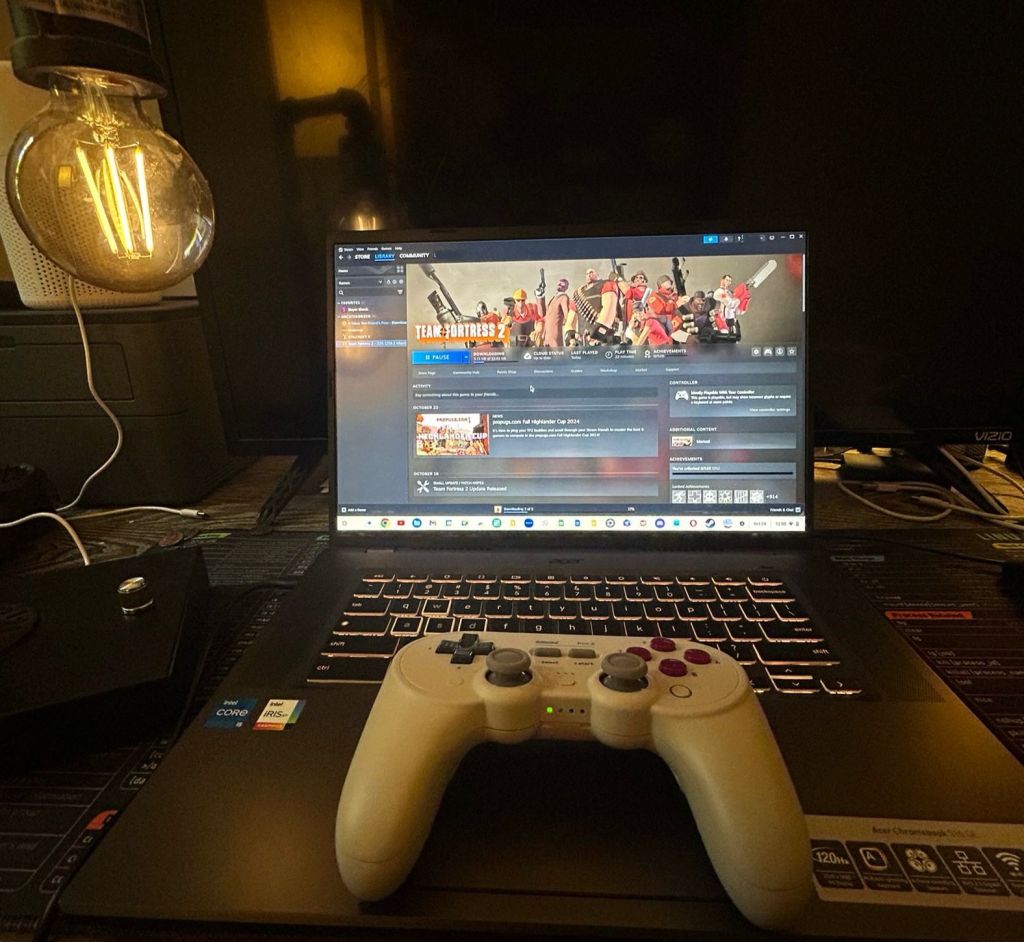 Continue reading →: Is the Acer 516 GE Worth It for Cloud Gaming?
If there’s any place that Windows PCs still hold water versus its Mac, Linux, and ChromeOS counterparts it’s in the gaming arena. After dedicated consoles, Windows machines are the next best choice for gaming because of the diversity of hardware configurations, upgradeability, and sheer universal amount of titles available for…
-
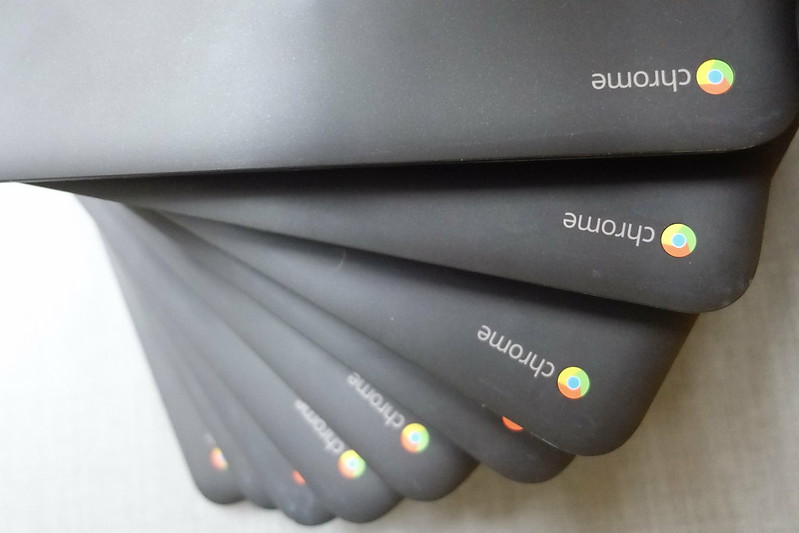 Continue reading →: Best Places to Donate Your Old Chromebook
Whether you’ve upgraded to a newer and faster Chromebook (many of those Chromebook Pluses are looking good), clearing tech clutter, or recycling–donating an old Chromebook is often a more sustainable way to go than discarding it. Chromebooks maintain a long shelf life so they can be good hand-me-downs to smaller…
-
 Continue reading →: How to Use Google Docs as a Standalone App on Chromebook
Although ChromeOS is a cloud-first OS, old habits die hard and it’s nice to have web apps with their own windows (these are often called progressive web apps–which open in their own window and may sometimes have additional offline features). On a new Chromebook, you already “preinstalled” apps from Google’s…
-
 Continue reading →: Learn Chromebook Tech Support: Free Course on Udemy
While ChromeOS is known for its ease of use and its “just works” simplicity that requires minimal tweaking, there may be times where you may have to provide tech support to others or learn how to fix issues yourself. For example, if you’re a tinkerer and go down rabbit holes…
-
 Continue reading →: Lenovo Chromebox Review: Performance and Value in One Package
I had previously been resistant to getting any Intel-based Chromebook because of the draw on battery life and because I love the fanless design of the ARM-based Chromebooks like my Lenovo Slim 3. However, this has come with a small sacrifice in performance. Since I rely on part of the…
-
 Continue reading →: The Benefits of ChromeOS for Healthcare Workers
As a clinician and educator, I think the ChromeOS platform is a good fit for healthcare workers. My foray into taking ChromeOS more seriously as a platform started when I needed to quickly replace my broken PC with a “just works” solution to be able to do my telehealth appointments.…
-
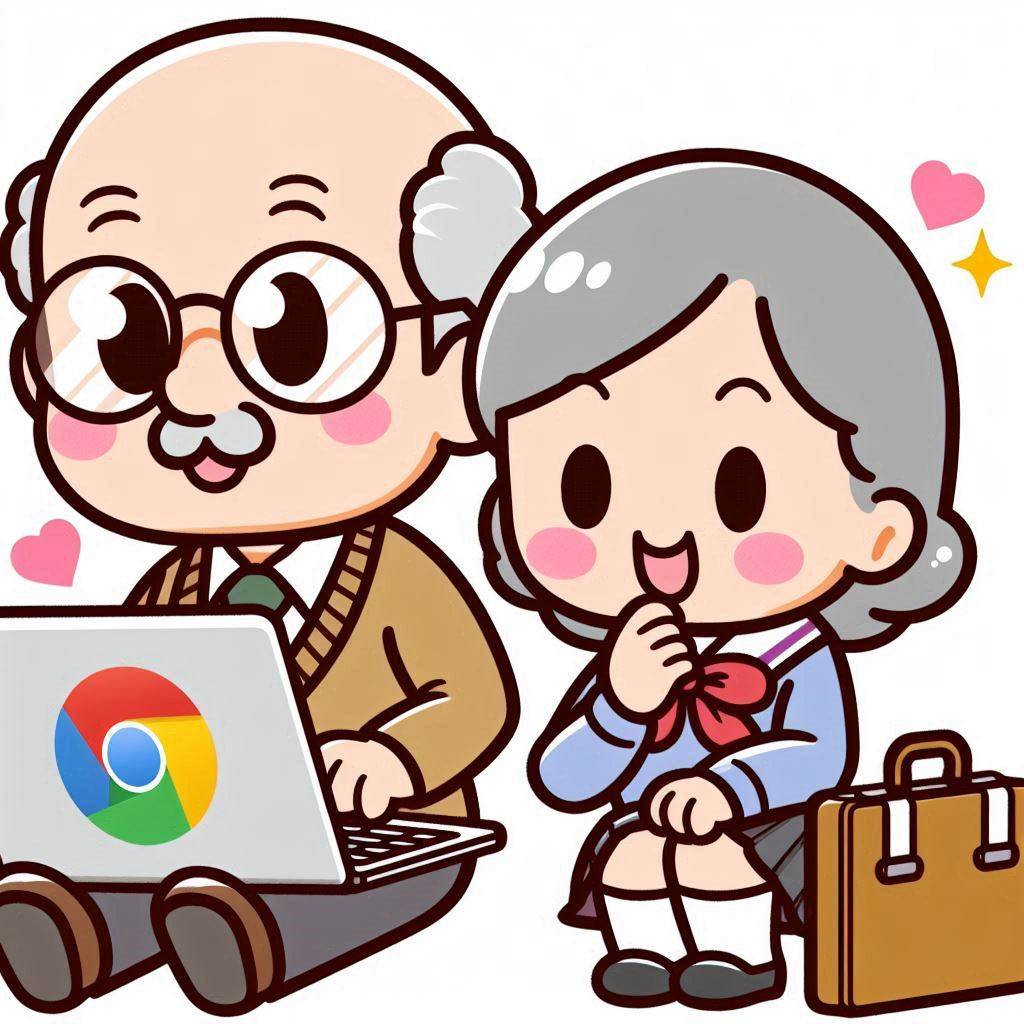 Continue reading →: Why Chromebooks Are Ideal for Seniors
I think that Chromebooks can find a niche in every sector: it found a niche in education due to them being cost-effective and easy to deploy, it has a niche in work settings because of the Google office ecosystem (Google Docs, Meet, and Gmail) and its simplified task-centered user interface,…
Hello,
Welcome

Welcome to Chromebook Reviews, where I review Chromebooks and other laptop alternatives to Windows and MacOS.

Let’s connect
Stay updated
Stay updated with our latest tutorials and reviews by joining our newsletter.


 Chromebook Reviews