-
 Continue reading →: ChromeOS Version 128 Gets Snapped Windows and Optical Text Recognition in Camera App
Eligible Chromebook devices will soon receive the update for ChromeOS version 128. New features include the following: User Settings Accessibility Features
-
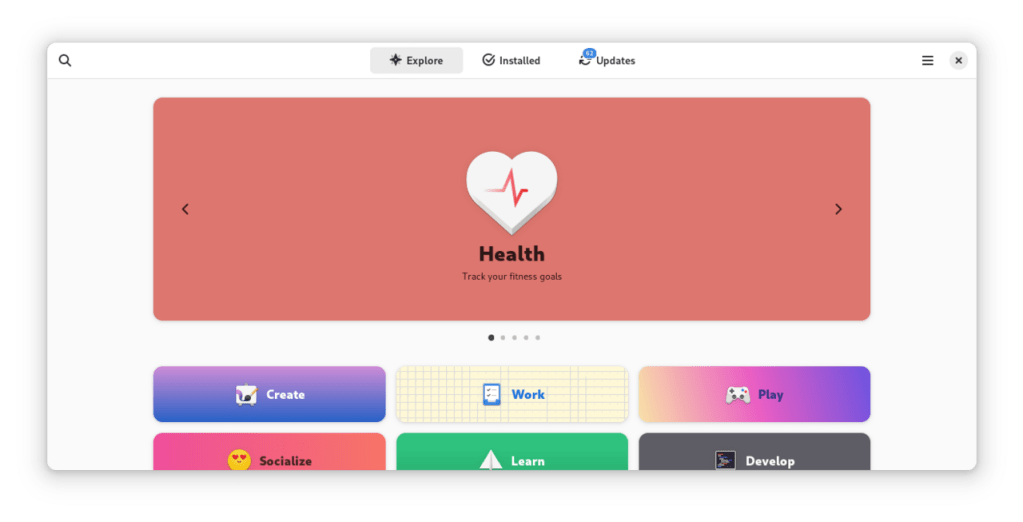 Continue reading →: Guide: How to Install a Linux App Store on Your Chromebook
ChromeOS is originally based on Linux, a Unix-like OS that’s known for its security, its open-source values, and for being the backbone of web servers. Because it’s so modular, Linux powers many iot (“internet of things”) devices like your Smart TV, aircraft in-flight entertainment screens, your router, self-driving cars, and…
-
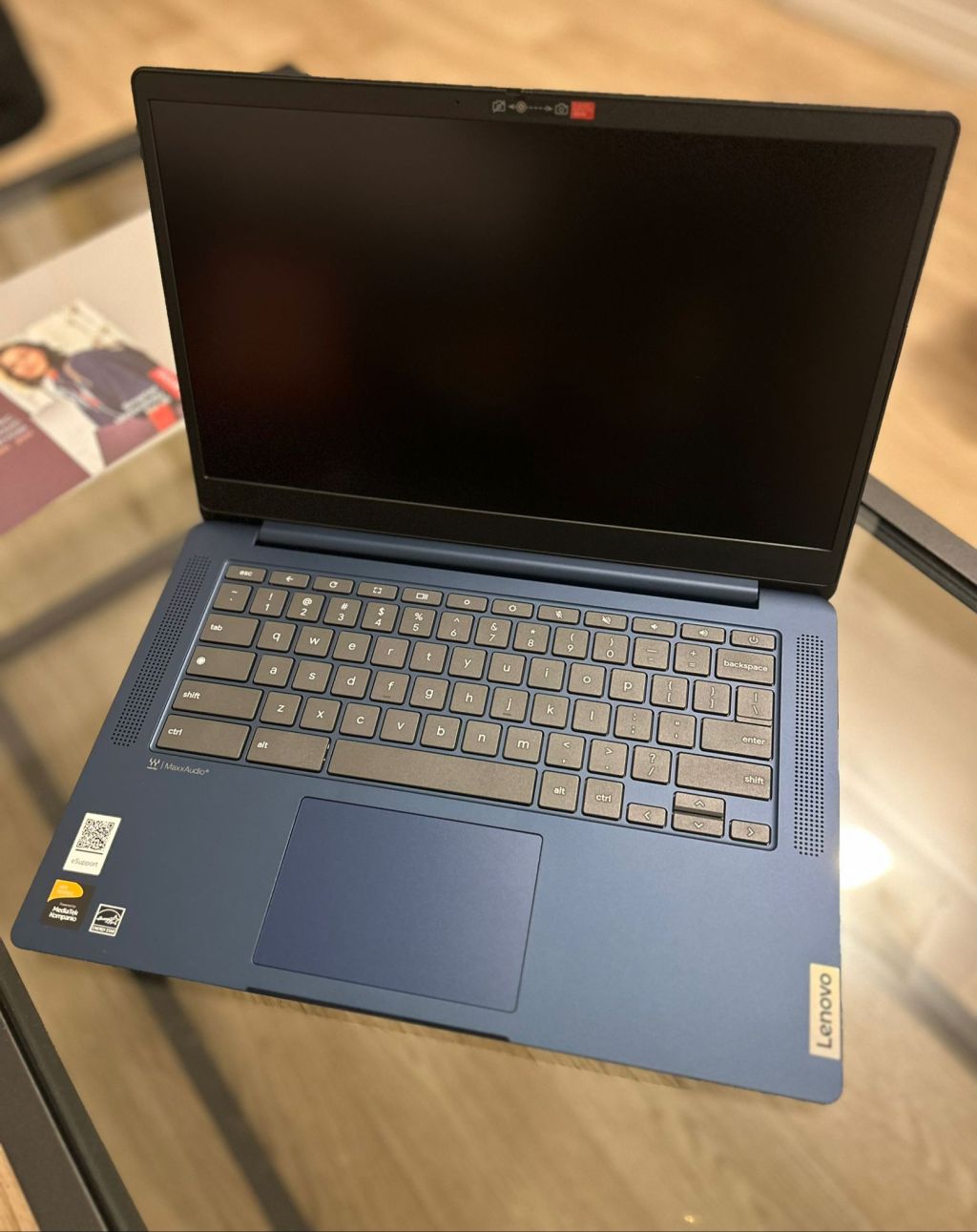 Continue reading →: Lenovo IdeaPad Slim 3: Impressive Specs for $169
After having a good experience with the 11.6″ Lenovo 100e (2nd Gen), I decided to take advantage of a Labor Day deal for Lenovo’s 14″ IdeaPad Slim 3 Chromebook. It was hard to say no when the original $319 retail was slashed down to $169. The Lenovo IdeaPad Slim 3…
-
 Continue reading →: Will Google End ChromeOS Flex?
While ChromeOS runs best on dedicated hardware (in order to optimize the hardware for the OS including fast boot-up times and security features), Google has also released a separate branch of ChromeOS called ChromeOS Flex that’s available for non-Chromebook devices (for example, an old Macbook or PC that you may…
-
 Continue reading →: Zoom vs Google Meet: Best Remote Tool for Education
Zoom Inc. became the defacto remote education and remote working tool during the pandemic. As an adjunct lecturer for university students, Zoom became the educational standard for good reason. Zoom has educational tools including a whiteboard, breakout rooms for group discussions, and a screen sharing feature that allows you to…
-
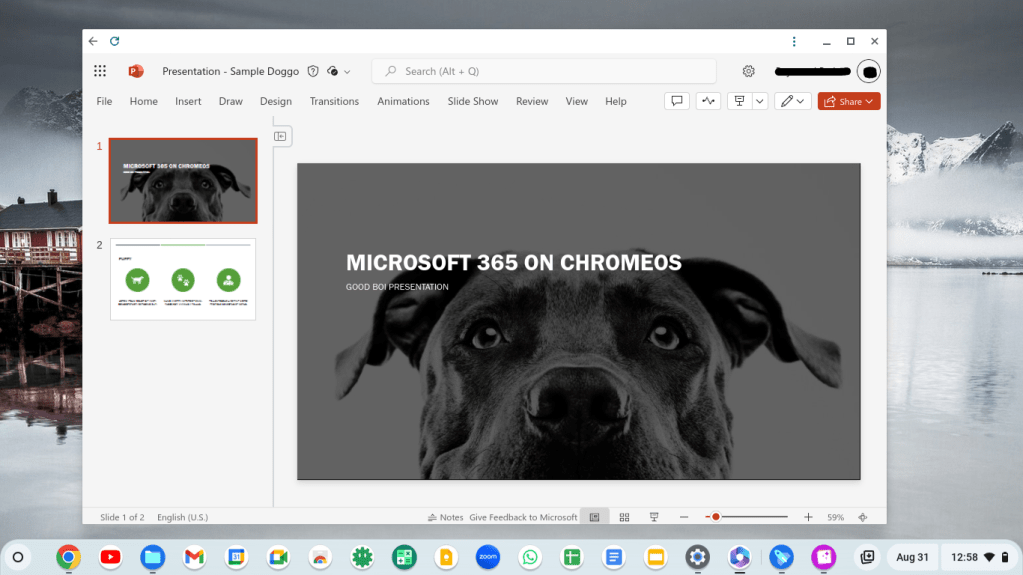 Continue reading →: Enhancing ChromeOS with Microsoft OneDrive and Office Online
The recent ChromeOS update to 127 brings with it improved integration with Microsoft 365 services and OneDrive, Microsoft’s cloud-based file storage. ChromeOS users have always been able to use the online version of Microsoft Office, but this update allows users to connect their OneDrive accounts to sync up with the…
-
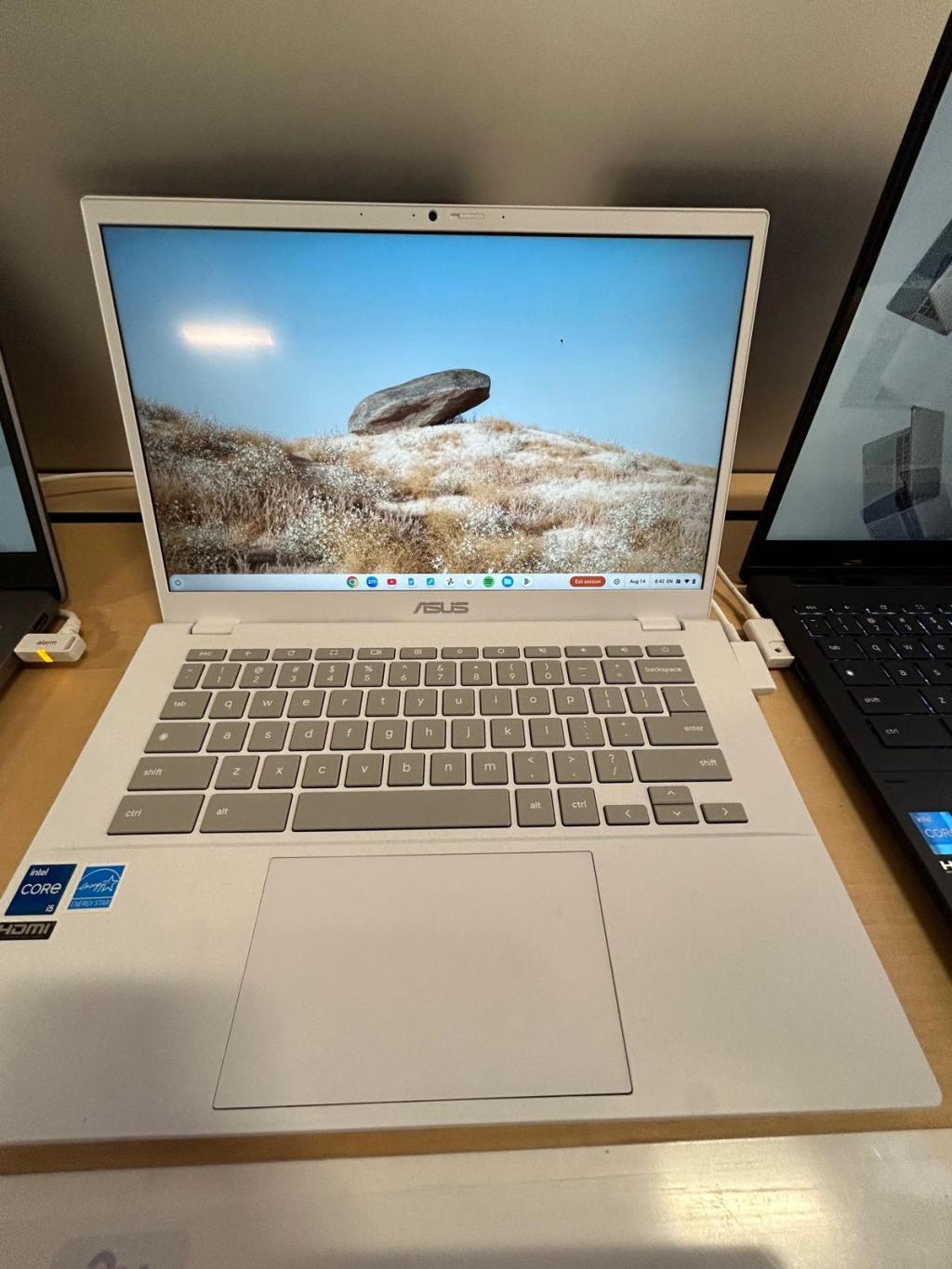 Continue reading →: Is the ASUS CX34 Worth It for Business and Education?
Google has been ramping up their efforts to reduce the Chromebook’s image of being a low-powered device for schools (and expanding their appeal to business users and more home users) by creating a new standard category of Chromebooks called Chromebook Plus. To meet the Chromebook Plus specification, a device has…
-
Continue reading →: Chromebook Myths Debunked: What You Need to Know
Slashgear recently posted an article titled “10 Reasons You Should Not Get a Chromebook” which is causing some buzz on the ChromeOS subreddit. Also, no shade to the author since they’re sharing their legitimate experiences. I’m just commenting on my experience. Personally, I’m of the opinion that tech is ultimately…
-
 Continue reading →: My Experience with a $75 Chromebook: Pros and Cons
Two posts in a day–we’re on a roll! This is my first official Chromebook and my first official Chromebook review. Therefore I’ll also include my impressions of ChromeOS as it runs on this device. After messing up my Surface Go 2 M3 (admittedly a great little machine by Microsoft), I…
-
Continue reading →: The Chromebook Experiment
When Chromebooks first came out over 10 years ago, I dismissed them as more low powered tech e-waste that would end up in the same dumpster bin as netbooks. The premise made sense (many of us spend a lot of our computing time in a browser), but it didn’t seem…
Hello,
Welcome

Welcome to Chromebook Reviews, where I review Chromebooks and other laptop alternatives to Windows and MacOS.

Let’s connect
Stay updated
Stay updated with our latest tutorials and reviews by joining our newsletter.


 Chromebook Reviews